65
Appendix E - Dial-Up Networking
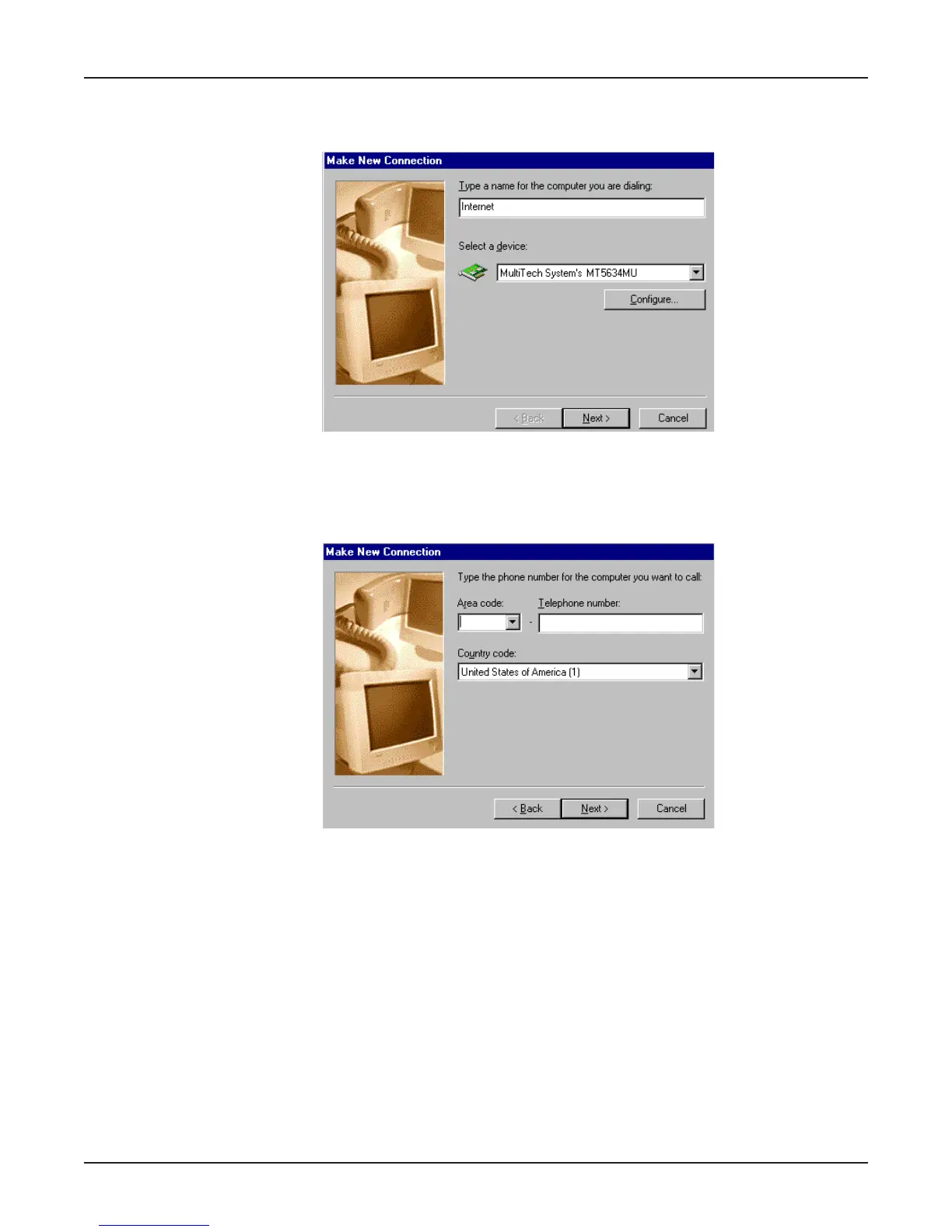
3. The Make New Connection dialog box is displayed. Enter a descriptive name for this
connection. In the Select a device: list box, select your Multi-Tech System modem from the
list.
Click Next>.
4. The Make New Connection dialog box is displayed. Enter the Area Code, Telephone number
and Country Code for the computer you will be calling with this connection (your ISP’s access
phone number).
Click Next>.















 To Next Page