68
MultiMobile
USB
User Guide
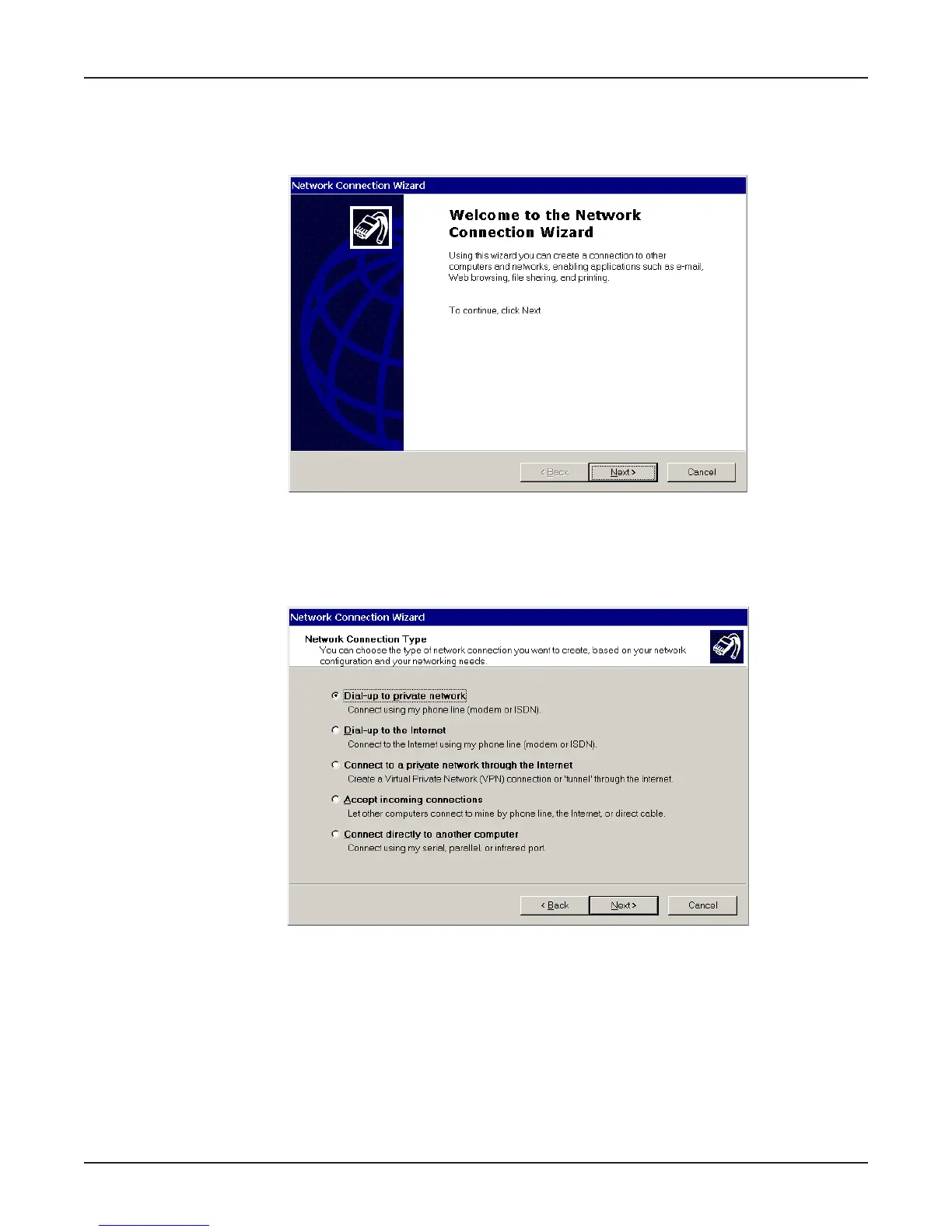
2. In the Network and Dial-up Connections dialog box, double-click the Make New Connection
icon. The Network Connection Wizard dialog box is displayed indicating the Wizard will help in
creating a connection to other computers and networks enabling applications such as e-mail, web
browsing, file sharing and printing.
Click Next>.
3. The Network Connection Type dialog box is displayed offering several connection options.
Select the option which best describes the type of connection you are creating with this definition.
Click Next>.
The process for completing your Dial-Up Networking connection will vary based on the connection
type selected in the previous step.















 To Next Page