13
3.3. Install the OBD Dongle
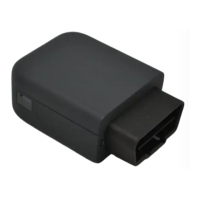
Connect the OBD Dongle on your vehicle OBD connector.
4. LED sequences
The Dongle has a two-coloured LED, green and red.
Please note that when both LEDs are brightened, you can perceive the colour as orange.
3 times 50ms Green ON/100ms
OFF
3550ms OFF
2 times 50ms Green ON/100ms
OFF
3700ms OFF
5. Support
For all questions not related in this installation guide, please contact the support team by
email at
support@munic.io


 To Previous Page