00-02-0796 - 18 - 08-26-11
4. Use the Arrow Keys to switch between the two 4-up
displays.
5. To edit a 4-up display, touch Enter while that 4-up
displays on screen.
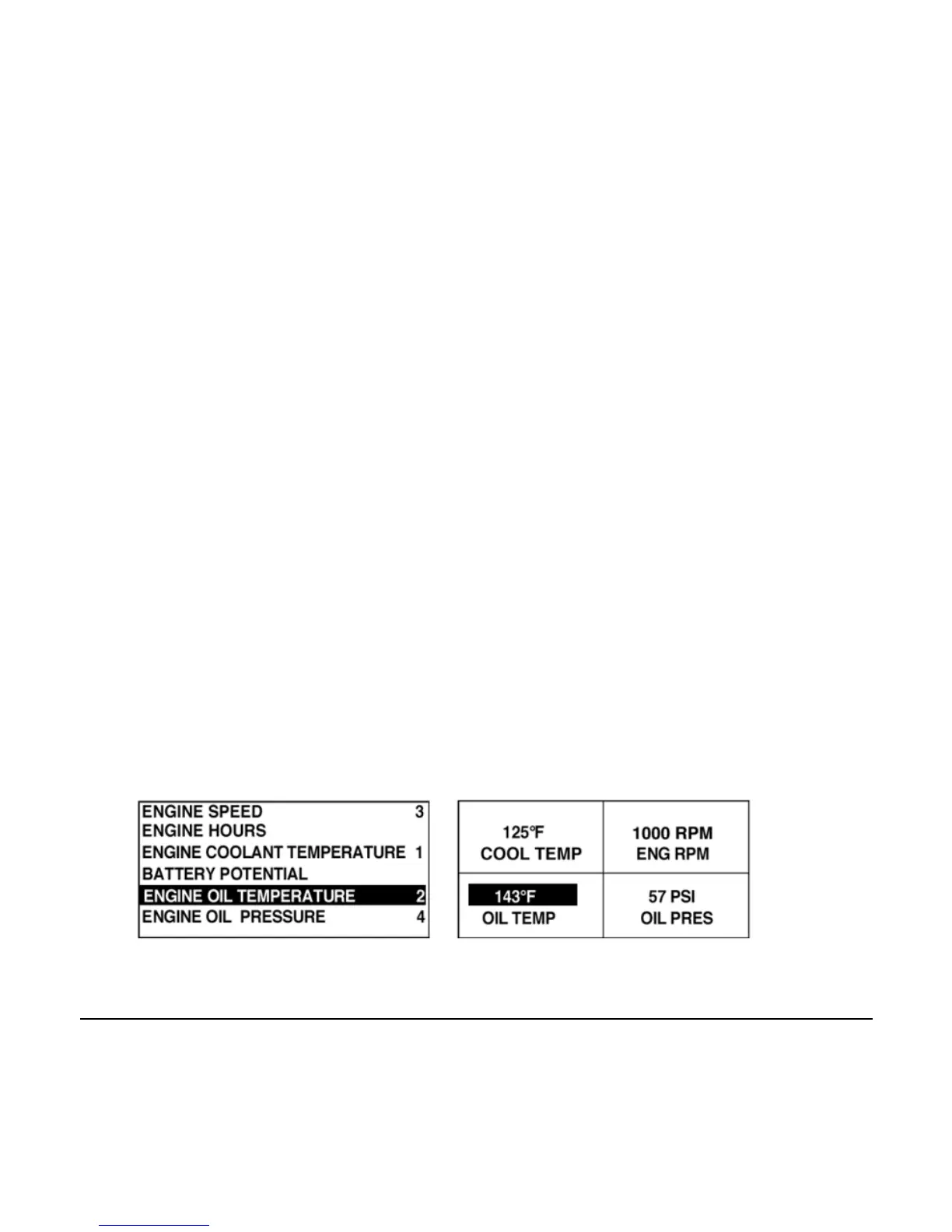
6. Use the Arrow Keys to select which quadrant to edit.
7. Once you select a quadrant, touch Enter and you move
to a list of parameters.
NOTE: The PowerView must see the parameter being
broadcast over J1939 in order to select the parameter from
the list.
8. The parameter highlighted is the selected parameter for
the screen. The number to the right of the parameter
indicates in which quadrant it displays.



 To Next Page