00-02-0605 - 8 - Rev 09-10-08
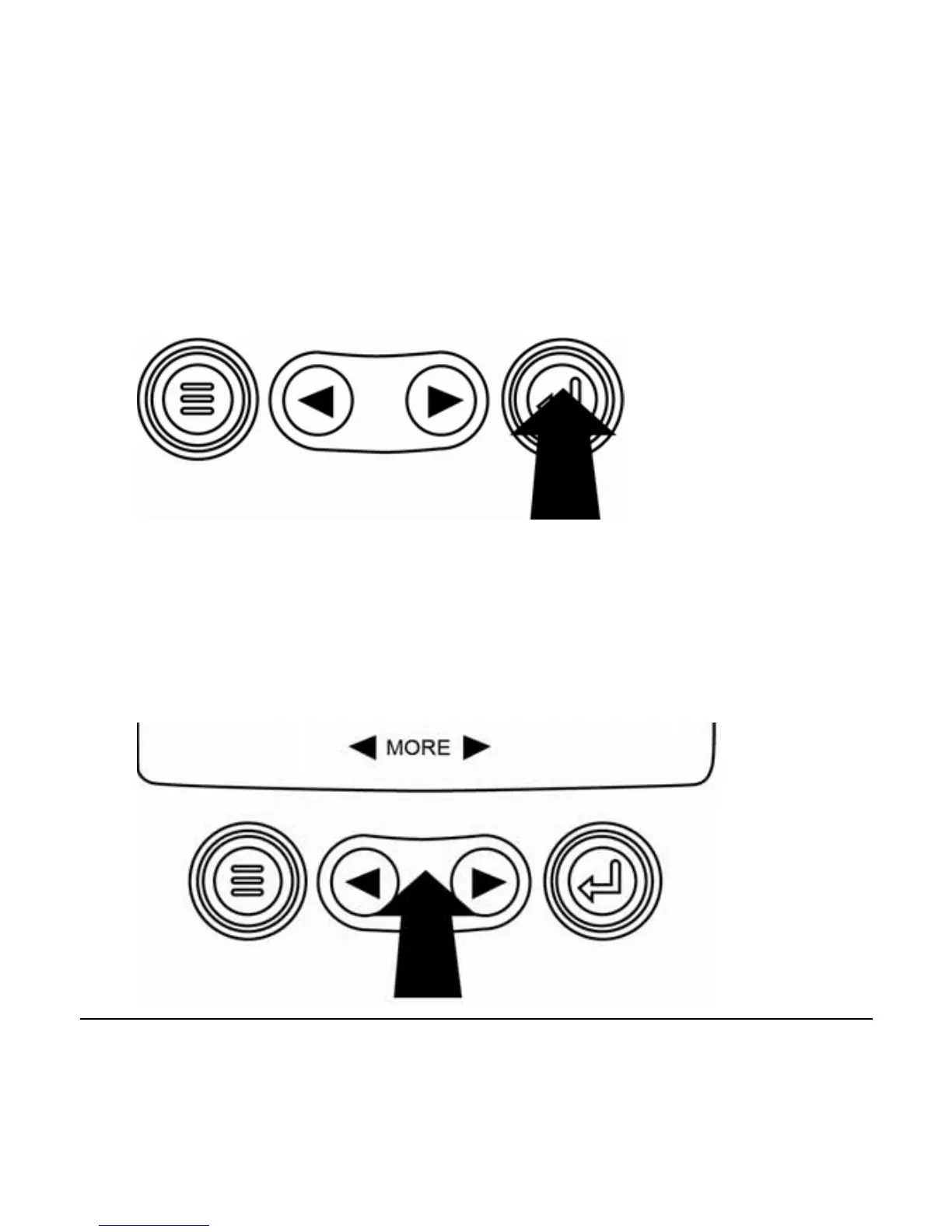
4. When the desired item is highlighted by the cursor,
pressing Enter will select that item and display the
corresponding screen.
5. Anytime the word MORE appears above the Arrow
Keys there are more screens that may be viewed. Use
the Arrow Keys to scroll to the next screen of
information.



 To Next Page