3. Use the number buttons to enter the title number and then the chapter number (DVD) or the
PLAY” icon, press OK
6. Press the
USB PLAYBACK
2. Press the USB button to select USB mode.
PLAYING MP3/XVID/PICTURE FILES
drive.
1. Insert a disc or USB.
OK
4. Press
Supported disc formats:
VCD, VCD1.0, VCD2.0
CD-R, CD-RW
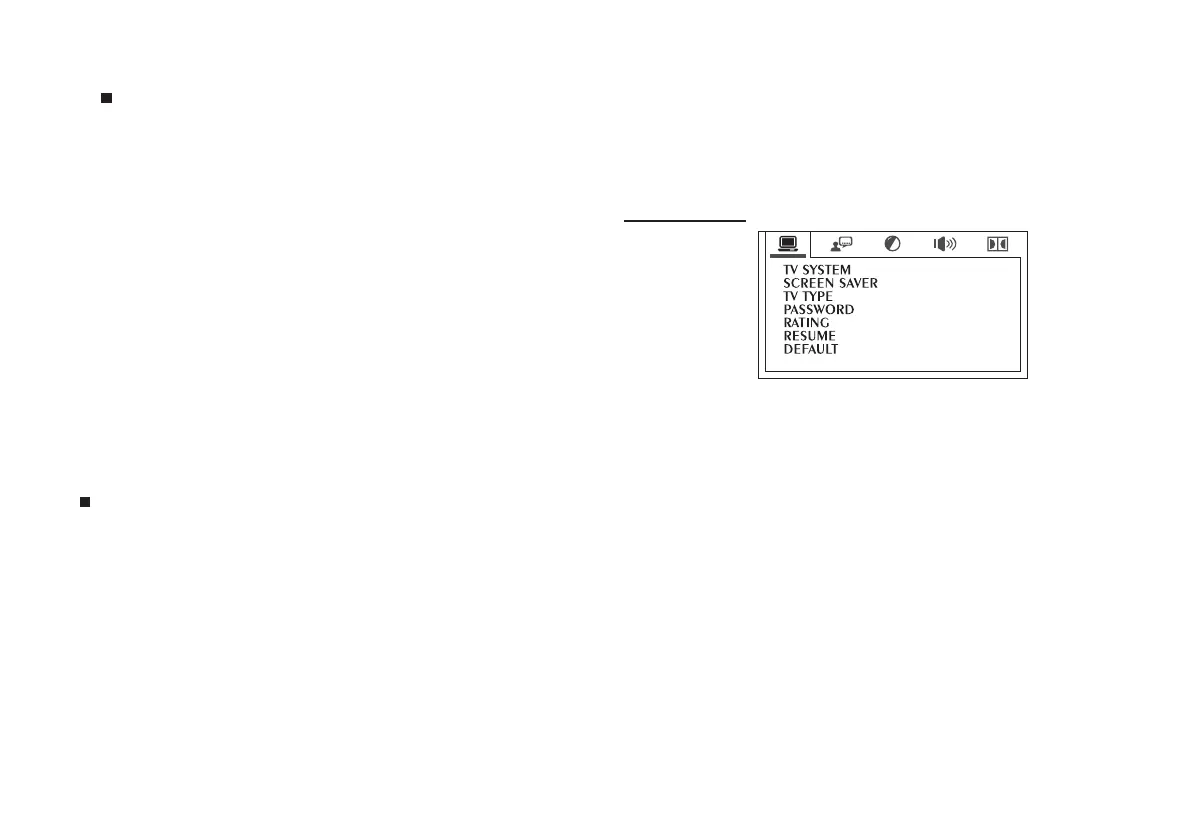
TV System
NTSC, PAL or AUTO.
Screen Saver
TV Type
4:3 Pan & Scan
it can be viewed on a conventional screen.
4:3 Letterbox
16:9: Wide screen display
SETUP MENU
Navigating the setup menu
1. Press SETUP to display the setup main menu.
5. Press OK
7. Press SETUP
General Setup Page



 To Next Page