2. Select the scan source.
Since we are going to scan a color photograph,
choose Reflective.
Reflective:
When scanning paper-based documents such as
photographs or text (magazines, books, or images).
3. Select the desired scan mode.
The Scan Mode determines how the scanner will read
the image.
• 48-Bit Color captures images in 281 trillion colors
• 24-Bit Color captures images in 16.7 million colors
• CMYK captures images for output to a color printer
• 256 Color captures images in its
optimum palette
• 256 Gray captures images in 256 grayscale
Set Up the Scan Parameters
1. Set the desired image area to be scanned.
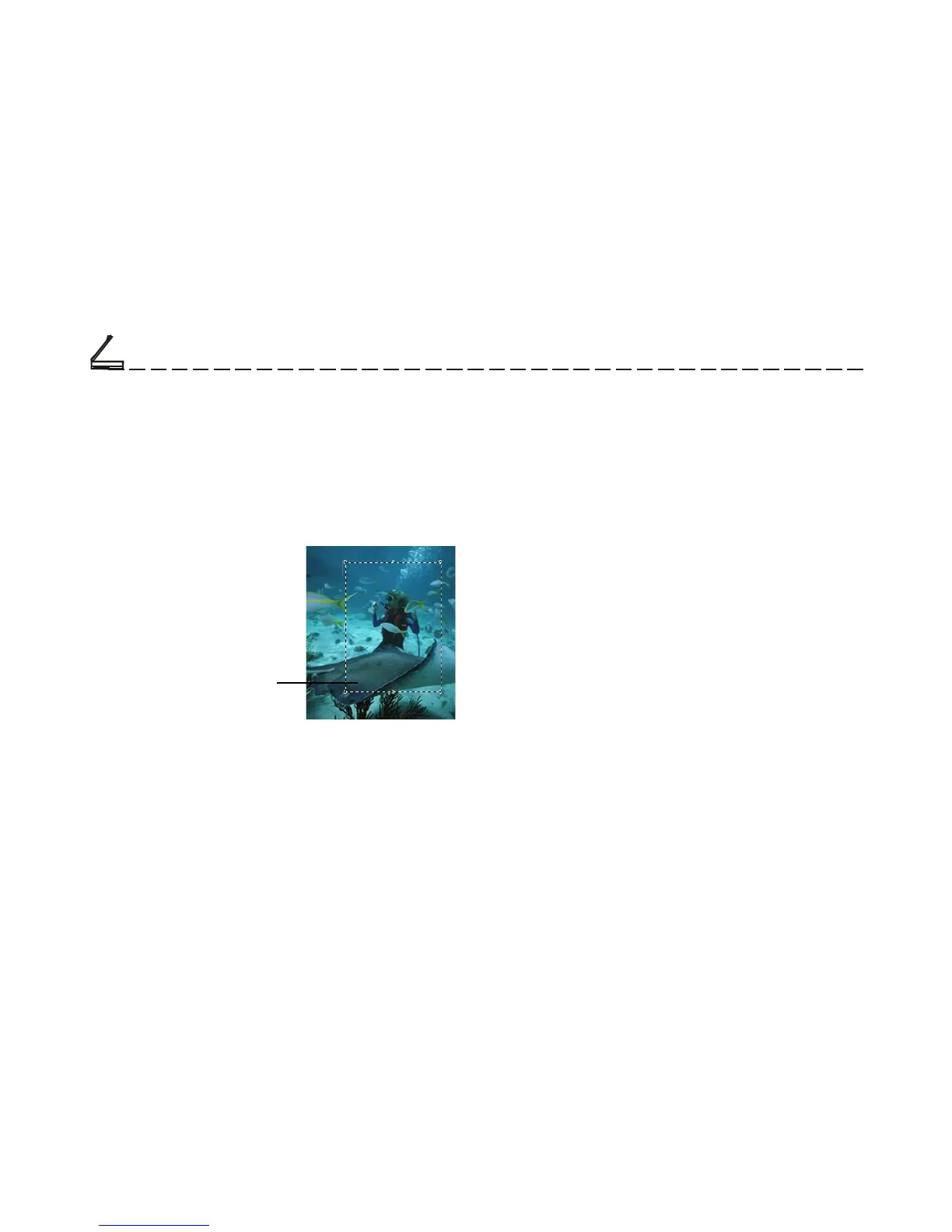
Use the Crop Frame in the Preview Window to
outline the image area you wish to scan. Click one
of the sides or corners of the Crop Frame and drag it
out or in to the desired length
and width.
To move the entire Crop
Frame, position the mouse
cursor inside it and drag with
the left mouse button.
Only the area inside the Crop Frame will be included
in the resulting scanned image when you click Scan.
The size information at the bottom of the dialog box
is automatically updated when the Crop Frame is
resized.
Crop frame



 To Next Page