11
PORTABLE DVD PLAYER USER GUIDE
MPEG-4 Playback
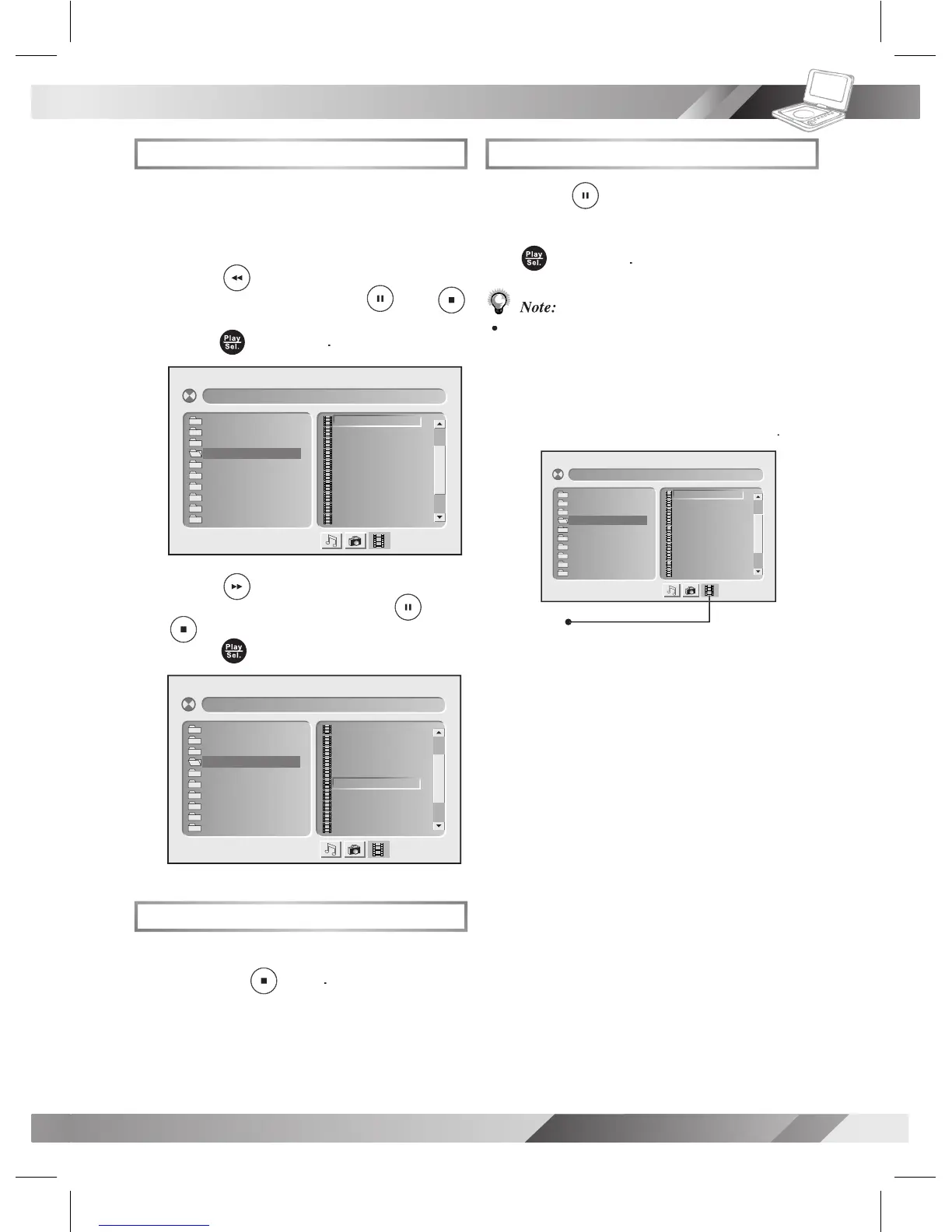
Basic MPEG-4 Playback
Load a disc or MMC/SD card
on the left screen. Press
To stop playback and return to the menu
To stop playback and return to the menu
[ F ile Na me- 1 ] 001 ––– ––– .
001 . 0 01 ––– ––
002 . 0 02 ––– ––
003 . 0 03 ––– ––
004 . 0 04 ––– ––
005 . 0 05 ––– ––
006 . 0 06 ––– ––
007 . 0 07 ––– ––
008 . 0 08 ––– ––
009 . 0 09 ––– ––
010 . 0 10 ––– ––
01. File Name-1
02. File Name-2
03. File Name-3
04. File Name-4
05. File Name-5
06. File Name-6
07. File Name-7
08. File Name-8
09. File Name-9
10. File Name-10
[ F ile Na me- 1 ] 001 ––– ––– .
001 . 0 01 ––– ––
002 . 0 02 ––– ––
003 . 0 03 ––– ––
004 . 0 04 ––– ––
005 . 0 05 ––– ––
006 . 0 06 ––– ––
007 . 0 07 ––– ––
008 . 0 08 ––– ––
009 . 0 09 ––– ––
010 . 0 10 ––– ––
01. File Name-1
02. File Name-2
03. File Name-3
04. File Name-4
05. File Name-5
06. File Name-6
07. File Name-7
08. File Name-8
09. File Name-9
10. File Name-10
Pausing Playback
To return to normal playback,
Some discs or MMC/SD cards may contain
music, picture and video le formats. When
the player reads the disc or card, Audio CD
mode will be selected rst. To select MPEG-4
icon is selected and then press
[ F i l e N ame-1 ] 0 0 1 – – – –––.
00 1 . 0 0 1 –––––
00 2 . 0 0 2 –––––
00 3 . 0 0 3 –––––
00 4 . 0 0 4 –––––
00 5 . 0 0 5 –––––
00 6 . 0 0 6 –––––
00 7 . 0 0 7 –––––
00 8 . 0 0 8 –––––
00 9 . 0 0 9 –––––
01 0 . 0 1 0 –––––
01. File Name-1
02. File Name-2
03. File Name-3
04. File Name-4
05. File Name-5
06. File Name-6
07. File Name-7
08. File Name-8
09. File Name-9
10. File Name-10



 To Next Page