EasyManua.ls Logo

Mustek MP100 - DVD Playback Operations; Basic DVD Playback; Stopping and Pausing Playback

Mustek MP100
20 pages
Print Icon
To Next Page IconTo Next Page
To Previous Page IconTo Previous Page
Loading...
7
PORTABLE DVD PLAYER USER GUIDE
DVD Operation
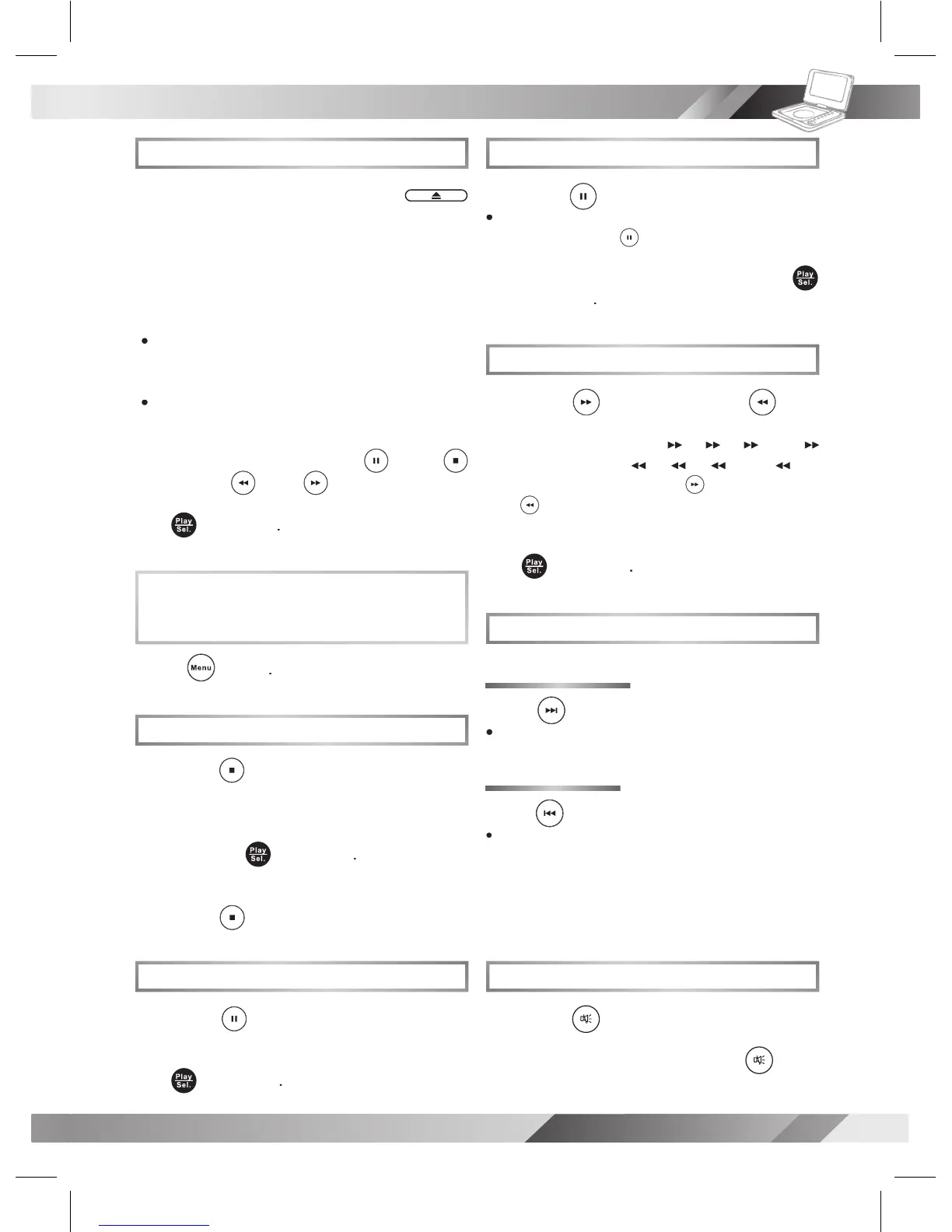
Basic DVD Playback
1
Turn on the player.
Press
Eject
to open the disc cover.
2
Hold the edge of the disc to put it in
the disc tray with the printed side up.
3
Close disc cover.
Close the disc cover and the portable DVD
player starts playback if the disc does not
have any menus recorded on it.
If the disc has one or more titles recorded on
it, a menu screen will appear on the screen.
4
To play a title,
press
Up
/
Down
/
To play a title,
Left
/
press
press
Right
or
Number
Button(s)
to highlight it
and then press
Play/Sel.
.
Stopping Playback and Returning
to the Menu Screen
(If a Menu Screen is Available on the Disc)
Press
Menu
.
Stopping Playback
1
Press
Stop
once to enter prestop
mode. In prestop status, the disc
can be played play from where
the playback has been stopped by
pressing
Play/Sel.
.
2
To completely stop the disc playback,
press
To completely stop the disc playback,
Stop
again.
Pausing Playback
1
Press
Pause
.
2
To return to normal playback,
press
Play/Sel.
.
Frame Advance (Step)
1
Press
Pause
to pause playback.
The disc is advanced by one frame each
time pressing
Pause
.
2
To return to normal playback,
press
Play/Sel.
.
Fast Forward and Backward
1
Press
Fast Forward
or
Fast
Backward
Backward
Backward
during playback.
The speed of advance (
x2,
x4,
x8 and
x20) or reverse (
x2,
x4,
x8 and
x20)
changes for each press of
Fast Forward
or
Fast Backward
.
2
To return to normal playback,
press
Play/Sel.
.
Skipping a Chapter Ahead or Back
Skipping Ahead
Press
Next
during play back.
Skip a chapter each time pressing the button.
Skipping Back
Press
Previous
during play back.
When pressing the button once midway
through a chapter, the player returns to the
beginning of the chapter being played back.
The player skips a chapter each time you
press the button.
Muting the Player
1
Press
Mute
.
2
To resume the sound, press
Mute
again.

Other manuals for Mustek MP100

Related product manuals