AC ELWA
®
-E Operation Manual, Version 00200.01 2
Adjust fuse type of the circuit (13A/ 16A) ..................................................................................... 19
Adjust device number .................................................................................................................... 19
7. Protocol description of http and Modbus TCP ............................................................................ 20
8. Firmware Update Ethernet ............................................................................................................ 20
Update from Server (from SNr 160124180131XXXX) .................................................................. 20
Update with USB cable (for SNr below 160124180131XXXX) ..................................................... 20
9. Fault indication ............................................................................................................................... 20
1. Assembly
Before placing into operation it is essential to read the assembly instructions provided with the
device.
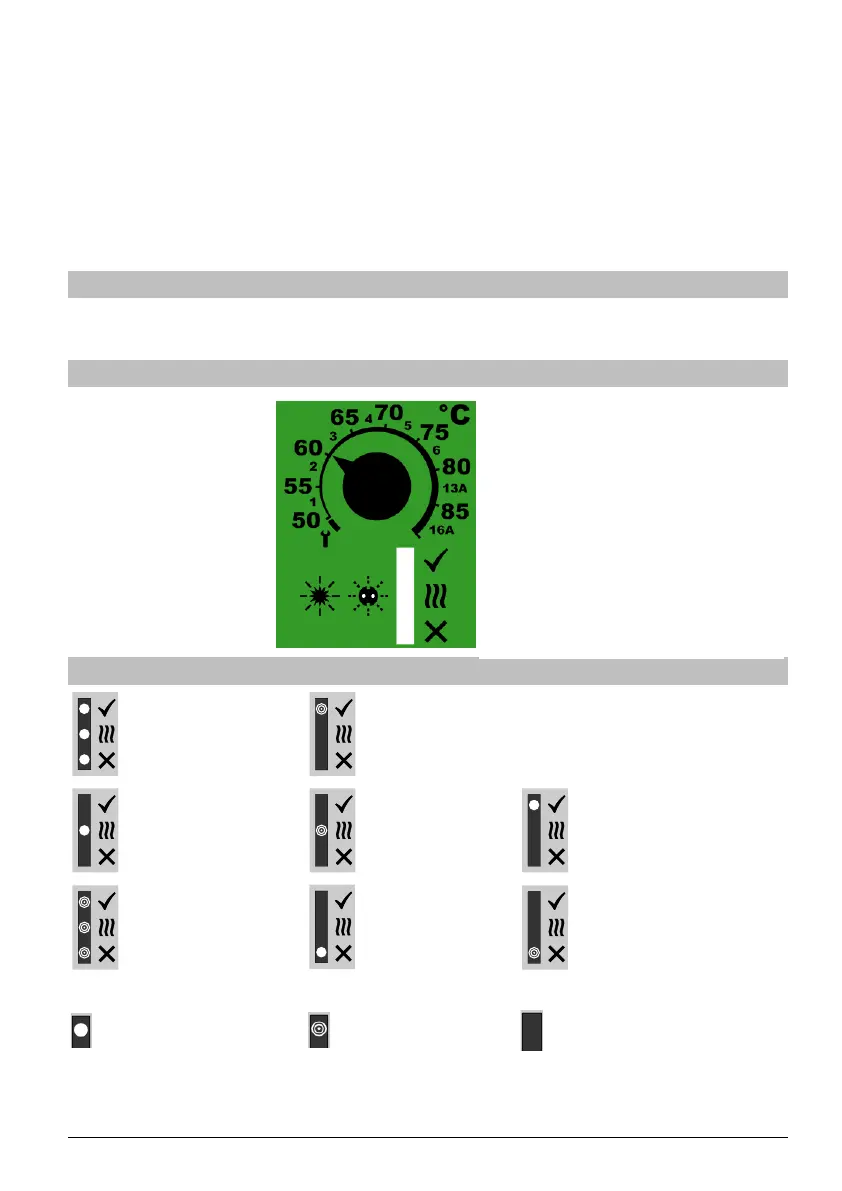
2. Controls and displays
3. Operation displays
Temperature-adjusting knob
1-6 … Number of device
13A / 16A …fuse protection
LED operating mode displays
green
yellow
red



 To Next Page