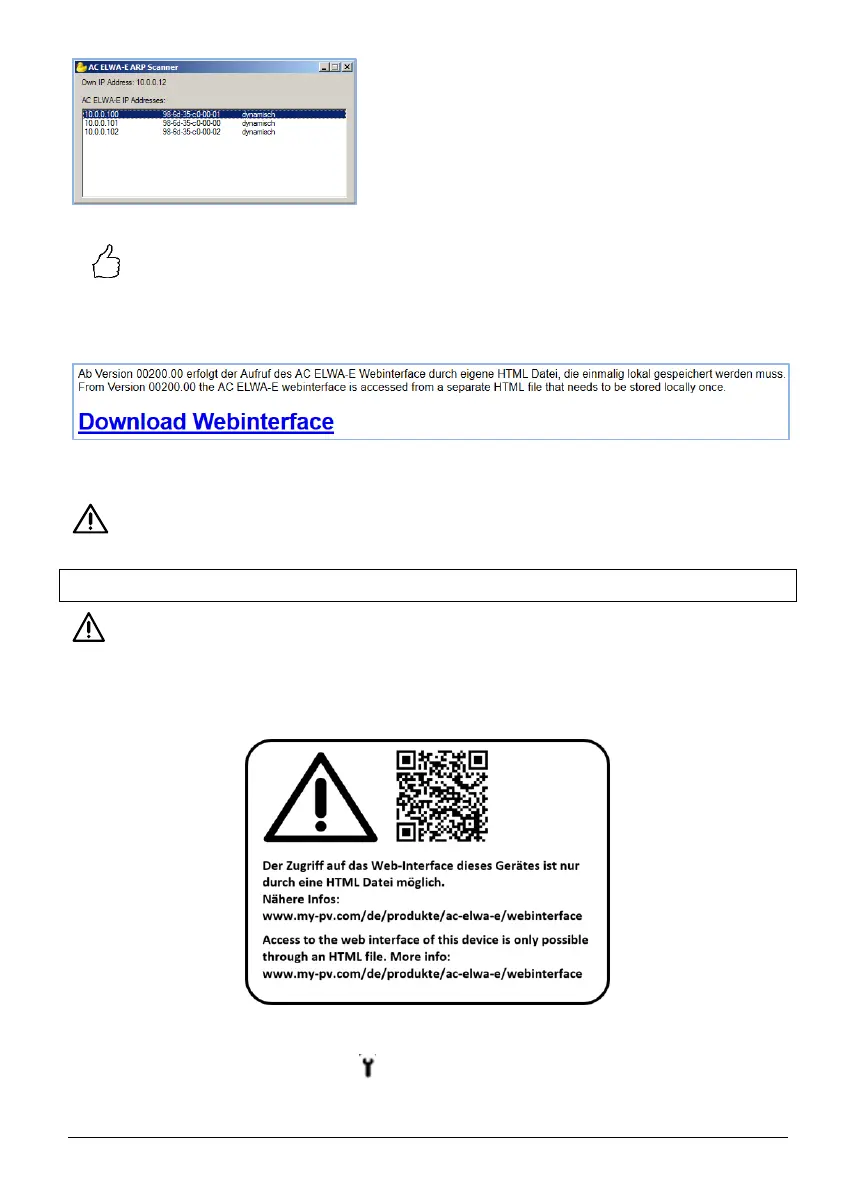
TIP: Alternatively, the IP address of the device can also be determined via the
DHCP client list of the router or via various IP scan programs!
From firmware version 00200.00 onwards, the Web-Interface of AC ELWA-E is outsourced to an
external HTML file. If the device is accessed directly via the IP address in the web browser, this
view appears.
Follow the download link and save the file locally, then open the file to access the Web-
Interface.
my-PV does not recommend to connect the AC ELWA-E to the Internet via port forwarding
access!
Configuration without router
From Ethernet firmware version 00200.00 this applies:
To be able to access the Web-Interface of AC ELWA-E in systems without internet access, please
download the required HTML file in advance.
You will also find a corresponding note on the carton box:
Procedure
1. Set adjusting knob to the symbol (all three LEDs blinking)
2. Plug in AC ELWA-E power plug



 To Next Page