AC ELWA
®
-E Operation Manual, Version 00200.01 6
5. Web-Interface
By means of the HTML file (required for Ethernet firmware version 00200.00 or higher) data of
the AC ELWA-E can be retrieved and adjustments can be made.
If the Web-Interface is started via the scanner program, the connection to the device is
established automatically.
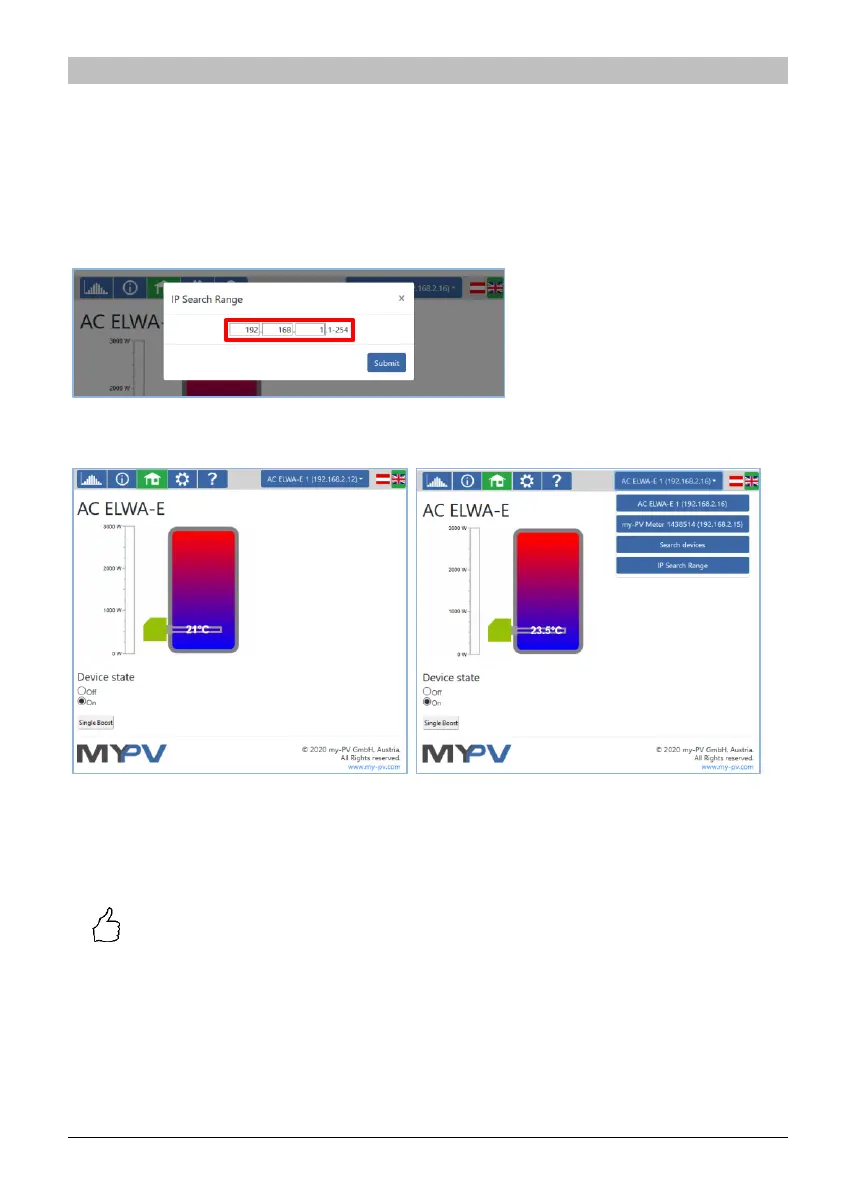
If the Web-Interface is started by calling the HTML file, the IP address range of the network in
which the device is located must be set once. The entry is saved by the web browser, but the
address range can be redefined at any time using the "IP Search Range" button.
From the homepage further pages can be selected via the menu buttons.
A quick selection in the upper right corner allows direct access to the Web-Interface from other
my-PV devices in the network. The button "Search Devices" scans the network for my-PV
devices.
TIP: If the device search does not produce a result, the IP address can also be
entered manually in the address line of the web browser.
URL: … /AC ELWA-E 00XXX.XX.XX.html?ip=
XXX
.
XXX
.
XXX
.
XXX



 To Next Page