 To Next PageTo Next Page
 Need help?
Do you have a question about the My Weigh TRITON T3-400 and is the answer not in the manual?
Lists essential precautions for safe and accurate operation, including overload protection and cleaning.
Step-by-step guide for installing batteries correctly, ensuring proper polarity and secure closure.
Instructions on how to turn the scale on/off, select units, and perform weighing operations.
Explanation of the Tare function to eliminate container weight, including how to use and reset it.
Guidance on when calibration is recommended for best results due to location or usage changes.
Describes the Weighmeter™ technology for monitoring capacity and indicating overloading.
Explains the power-up diagnostic test where the scale displays a countdown before resetting.
Details the 'O_LD' indicator for overload, warning of permanent damage and warranty voiding.
Explains negative values displayed after taring and how to re-zero the scale using the [→0←] button.
Describes the stable indicator symbol appearing on the LCD when the reading is stable and at zero.
Details the auto off feature that conserves battery power by turning off after 60 seconds of inactivity.
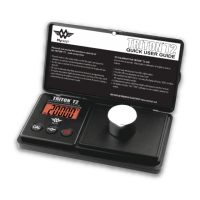
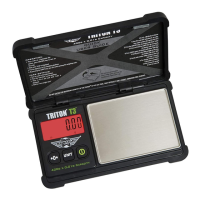
Explains the Impact Protection System (IPS) which wraps the scale in absorbent rubber for shock protection.
Details how the protective cover doubles as an expansion tray for weighing loose items.
Explains the meaning of display symbols, including stable reading and TARE mode indicators.
Lists key specifications including capacity, units, dimensions, weight, operating temperature, and power source.

 General