- 17 -
A
B
B
C
A
Only IDEAL 4810-95EP
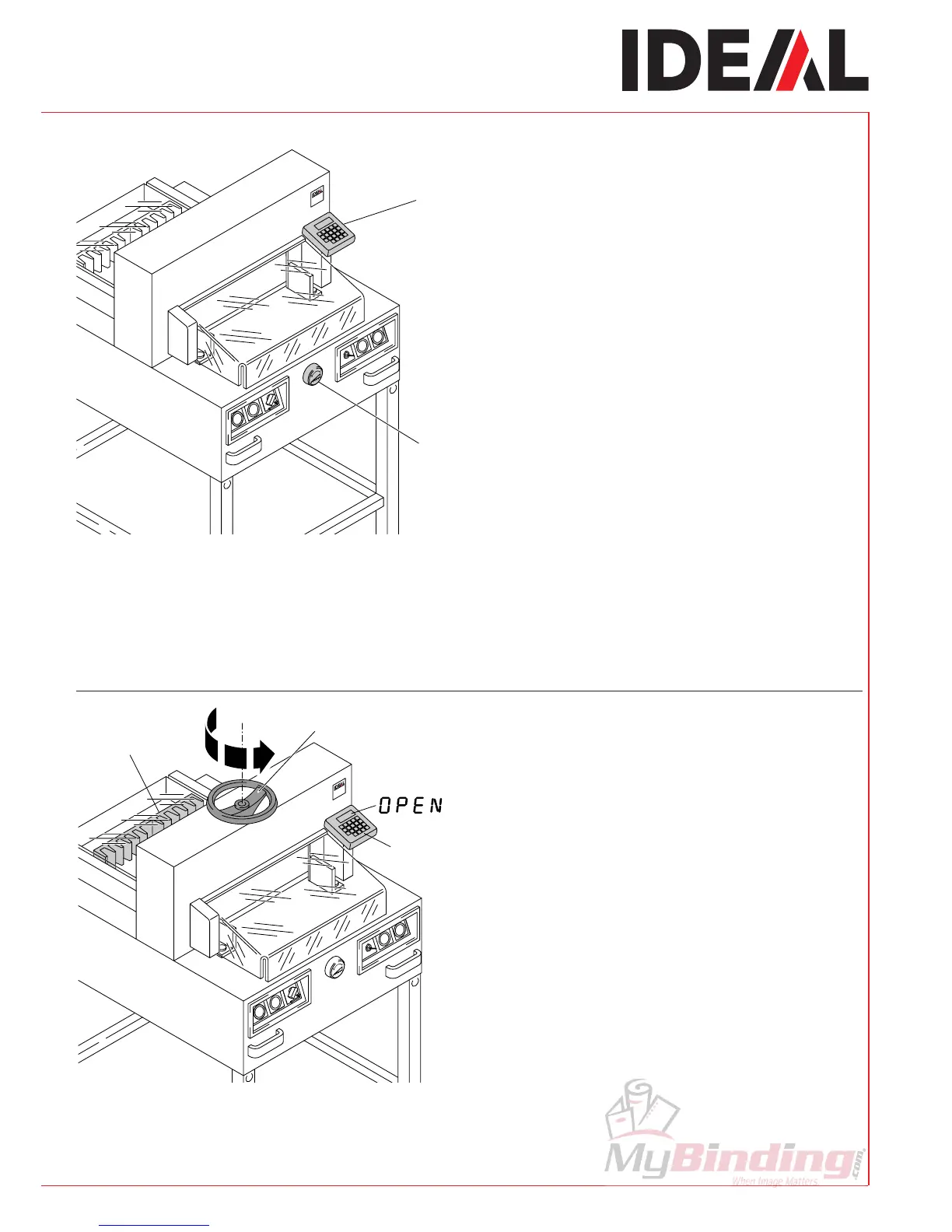
If display shows "AB " the clamp must be
completely opened.
Turn the hand-wheel for clamping (A)
completely to the left until the backgauge (B)
is activated.
IDEAL 4810-95EP, IDEAL 4850-95EP,
IDEAL 5221-95EP, IDEAL 6550-95EP
The measurement is set either with the hand-
wheel (A) or by programming (B) the cutting
measurements. Measurement is shown on the
display in inches or cm (B).
•
Operation
•



 To Next Page