10
Taking out Memory Card
Press Memory Card lightly.
Turning Power On
Connect power (cigar jack or AC adaptor) to the VR3.
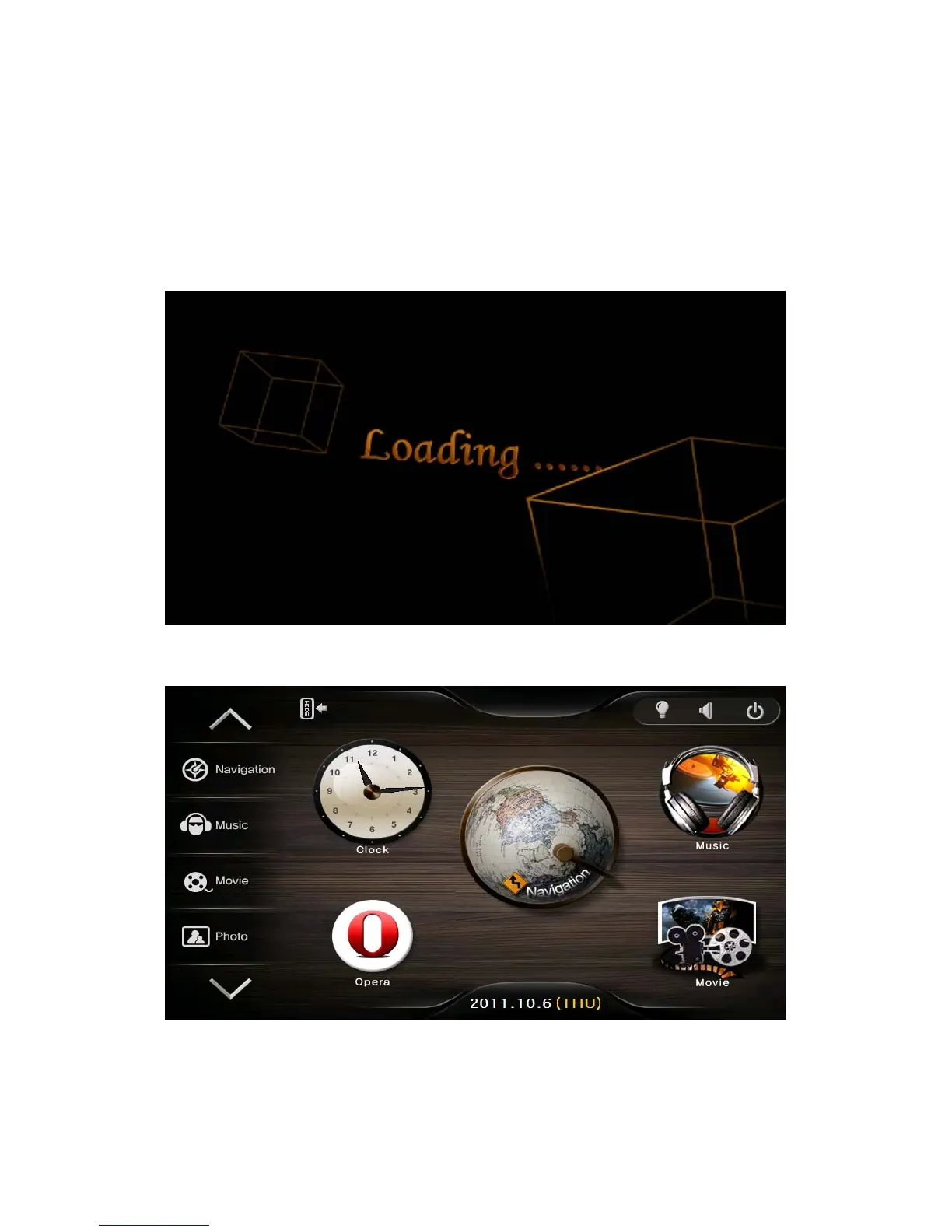
1) After power is connected the LED on front panel turns on and after 2seconds the Logo
Screen is displayed.
2) After about 10seconds Main Menu Screen is displayed.
Main Menu Screen
The Main Menu consists of several program icons. Each program can be launched by
touching the screen. If an application is already running you will switched back to it on the
screen.


 To Next Page