16
Note:
Press the Open button to select image files to display.
Be sure to save the selected play list and go back to the main play screen.
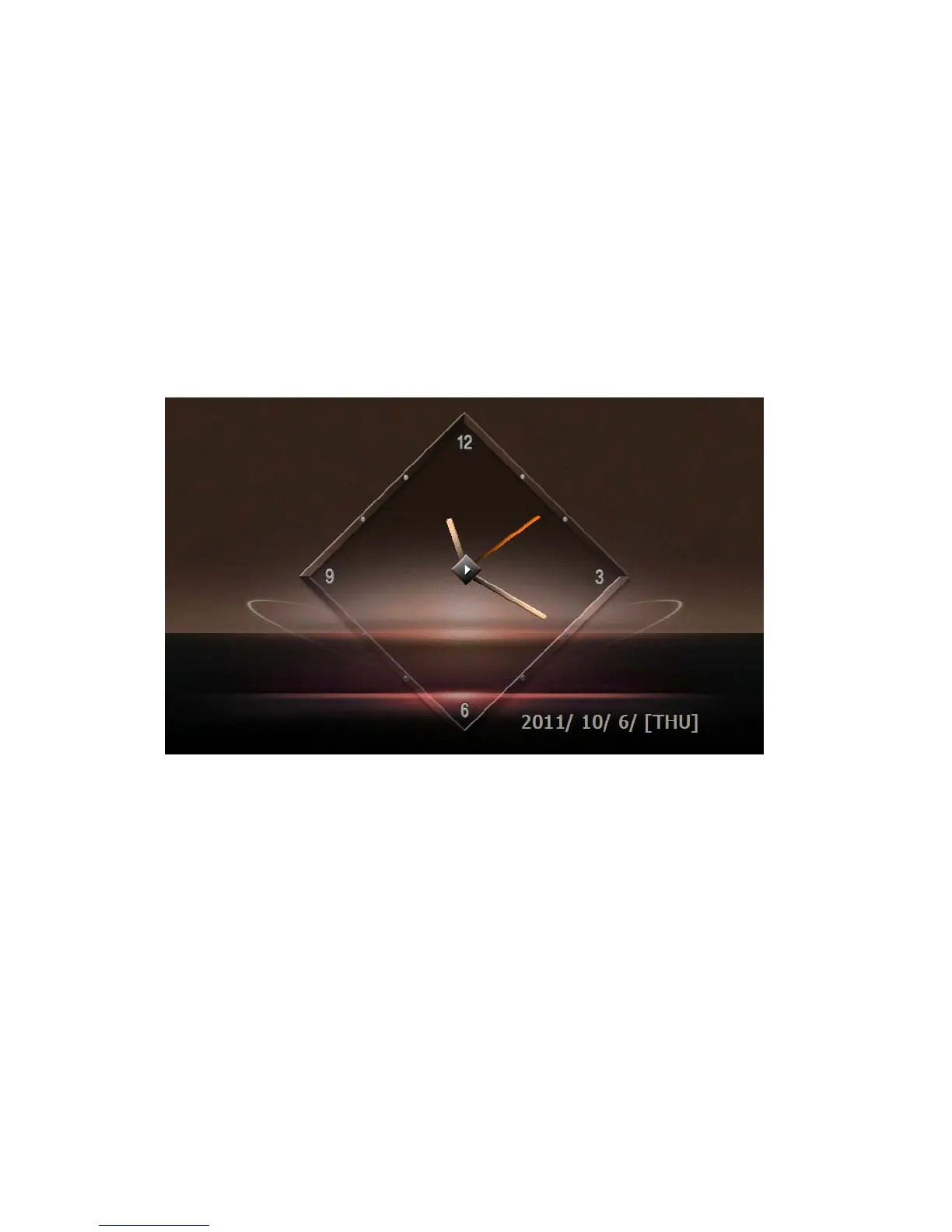
Using the Clock
1) Getting Started
Start this by pressing the Clock icon in the Main Menu.
2) Configuration of Screen
The current date and time are displayed on the entire screen.
Playing the Game
1) Getting Started
Launch this program by pressing the game icon on menu. This game is FreeCell.
2) Configuration of Screen


 To Next Page