6
Installation
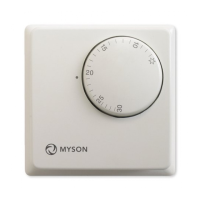
The thermostat is designed to be flush mounted; a back box
of 25mm should be sunk in the wall prior to installation.
Step 1
Carefully separate the front half of the thermostat from the
back plate by placing a small flat head terminal screwdriver in
to the slots on the bottom face of the thermostat.
Step 2
Place the thermostat front half somewhere safe.
Terminate the thermostat power supply as shown in the
diagrams at the back of this booklet.
Screw the thermostat back plate on to the back box.
Step 3
Clip the thermostat front half to the back plate.



 To Next Page