19
Feature 12 – 5/2 Day 7 Day, Programmable: This function
allows you to switch between 5/2 Day Programming (4 levels
for the weekday, 4 for the weekend), 7 day Programming
(4 separate levels for each day of the week) or 24 hour mode
(all days of the week following the same 4 levels).
Adjusting the Optional Settings
To adjust the settings, follow these steps:
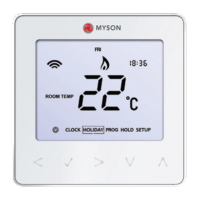
• Withthethermostatturnedon.
• PressPROG.
• PressSETUP.
• Usethe
at the top of the screen to select the
feature number (shown on pages 20 - 21) and then use
the keys in the centre to adjust the setting.
• PressDONEtoacceptandStore.



 To Next Page