23
The temporary disabling of the VOX function is then removed the first time the N-Com device is
turned off; so, if the VOX is enabled (from PC or APP), it will be restored the next time the device is
switched on.
Note: The VOX function can be used EXCLUSIVELY with “900” series N-Com systems.
13.4.
Smart Conference
(Group Intercom)
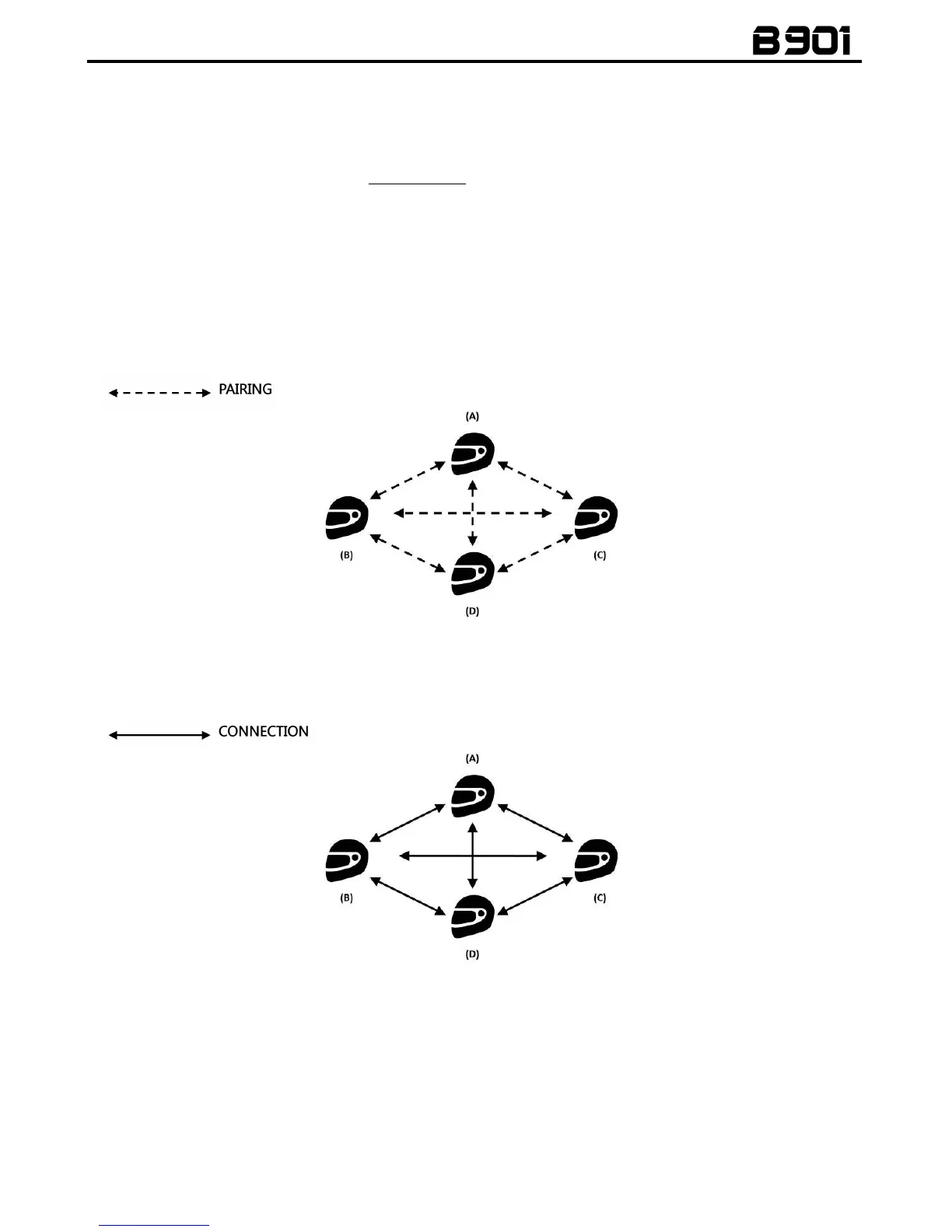
Thanks to the “Smart Conference” function, you can start the conference communication between N-
Com intercom systems of the “900” series previously paired up and saved in the 3 available channels.
All systems must be turned on and available within the connection range.
1. Each system must have been previously paired up to all the other systems: B, C and D.
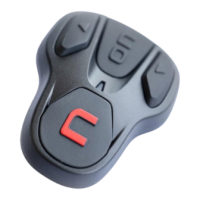
2. Any system can press the “n” key for 2 seconds to activate the Group Conference or to start
a conference communication between all the systems.
3. In the case where one of the systems presses the “n” key or falls outside the connection
range, the group intercom is interrupted.



 To Next Page