56 NAB EFTPOS Mobile Terminal Guide
NAB EFTPOS MOBILE
END SHIFT
This function will end a shift, print shift totals and deactivate shift mode.
Note: This function is not available on your NAB EFTPOS Mobile terminal when your terminal is integrated with your POS.
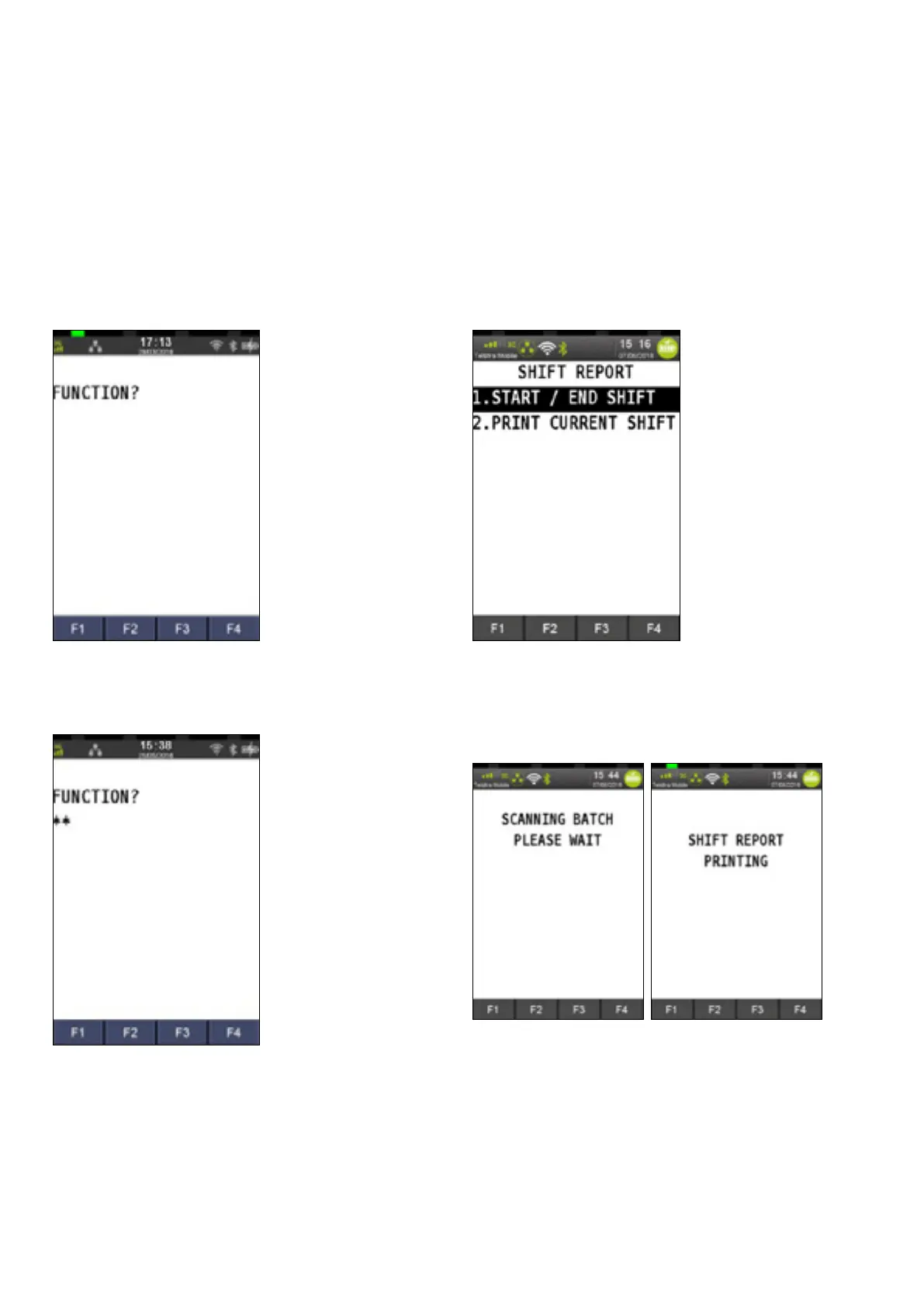
Step 1
Press the Func key
Step 2
Enter 63 using the PINpad and press ENTER
Step 3
Press 1 to select Start / End Shift
Step 4
The screen will display the below messages and print the
shift report



 To Next Page