EN /
5
I Charging your Headset
Only use the cable provided with the headset and charge the
headset directly from your console or PC.
It takes around 2 hours to fully charge the headset.
Note the following Battery status indications:
Red LED – low battery and is charging
Yellow LED – medium battery and is charging
Green LED - high battery and is charging
LED Off - the battery is fully charged
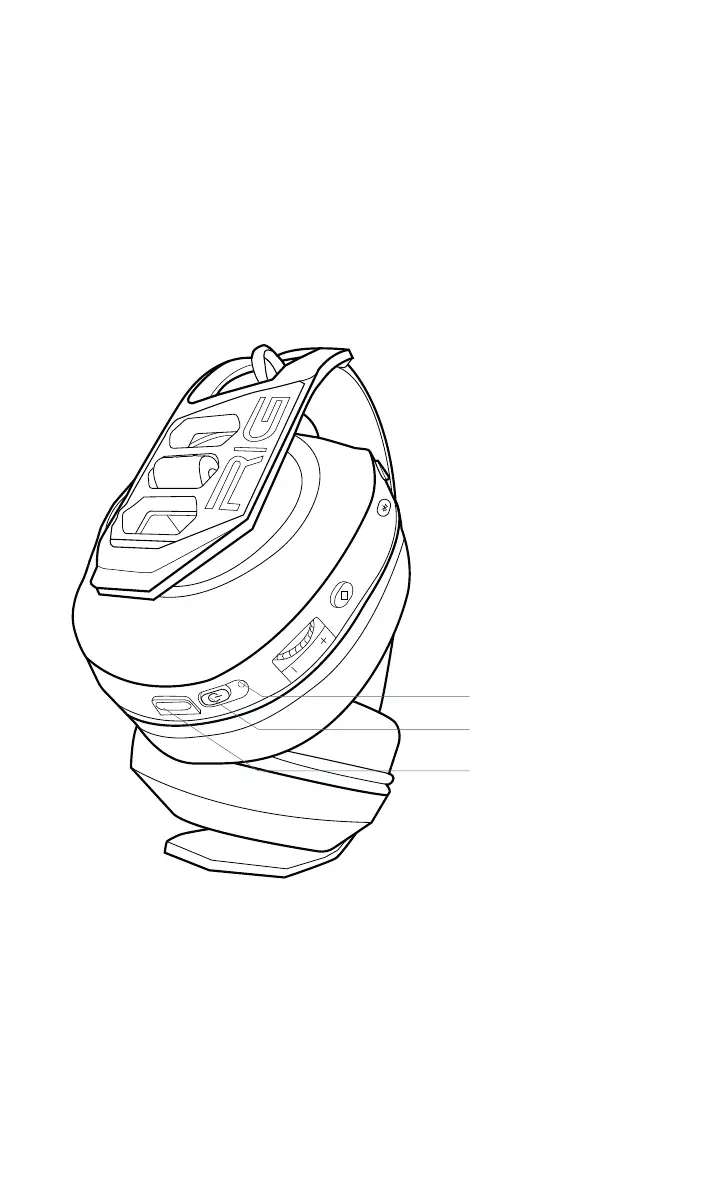
Light indicator
On/Off button
USB-C


 To Next Page