EN /
7
I How to pair your headset?
• USB-C Dongle
:
If you need to do a new pairing, for any reason, make sure:
- The USB-C Dongle is connected to your console or PC.
- Turn off the Headset.
Press and hold the On/Off button for more than 6s until to hear the
Prompt voice: “Pairing USB”. The Headset LED will be flashing Purple
during the pairing process.
When pairing is successful you will hear the prompt voice:
- “Connected” in USB mode,
- “USB connected” in Dual mode.
When pairing is unsccessful you will hear the prompt voice:
“USB Pairing Failed”.
In this case repeat the pairing process again making sure the above
conditions are respected.
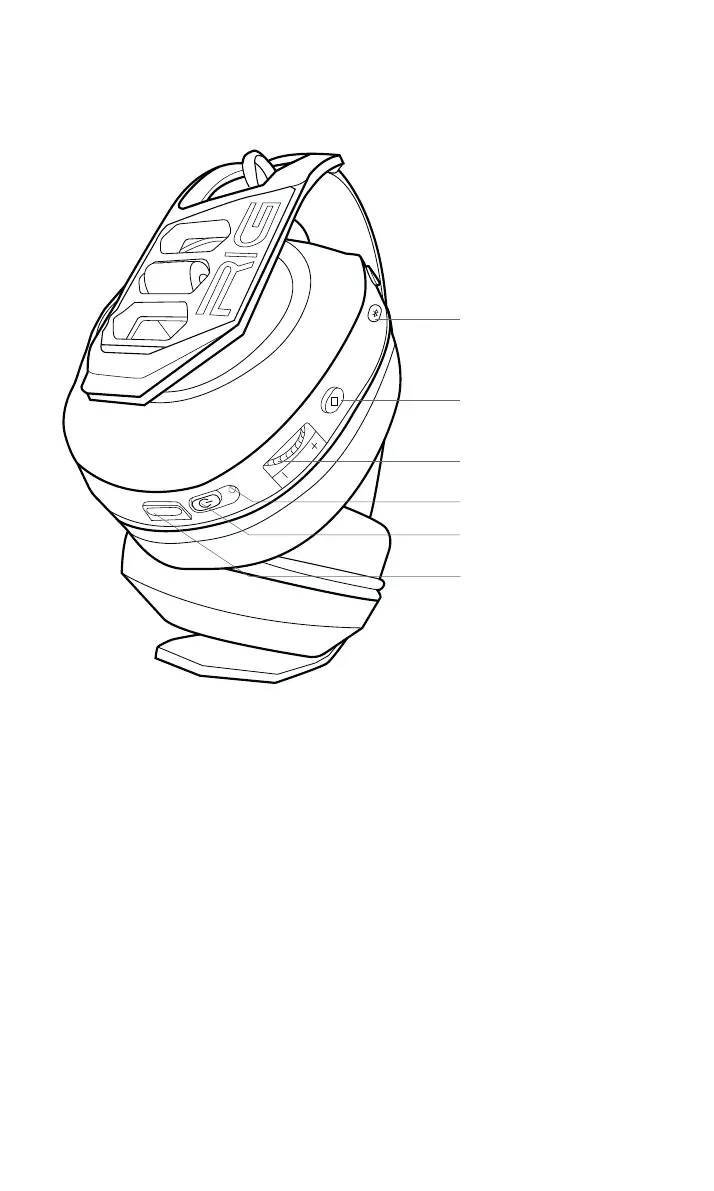
Mode button
Multifonction button
Volume control
Light indicator
On/Off button
USB-C


 To Next Page