NA
D
4
connect the loudspeakers Rear Panel connections 1
connect the FM antenna Rear Panel connections 5
connect and use NAD-Link Rear Panel connections 6
connect a tape recorder Rear Panel connections 2
connect extra sound source Rear Panel connections 3
(MiniDisc player, television) to AUX
switch Power on/off or to Stand-by/on Front Panel Control 1
use the headphones socket Front Panel Control 2
select a source Front Panel Control 8
use the Tone controls & Tone Defeat Front Panel Control 13 & 18
use Bass EQ Front Panel Control 15
use the remote control Remote control
replace remote control handset batteries Remote control
Tuner: How to...
enter a preset Front Panel Control 10
delete a preset Front Panel Control 12
add/change a name to a preset Front Panel Control 11
tune to a radio station automatically (search) Front Panel Control 17
tune to a radio station manually Front Panel Control 17
tune to a weak radio station (mute off) Front Panel Control 16
display RDS information Front Panel Control 14
(PS; station name and RT; RadioText)
CD: How to...
load a CD Front Panel Control 3 & 5
play a CD Front Panel Control 6
pause a CD Front Panel Control 6
skip to a different track Front Panel Control 7
engage Repeat 1 and Repeat All mode Front Panel Control 9
program for selective track listening Front Panel Control 10 & 12
engage Random Play Front Panel Control 11
display time information of CD Front Panel Control 14
scan within tracks Front Panel Control 17
GB
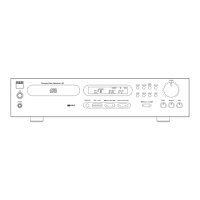
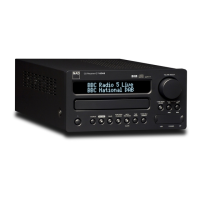
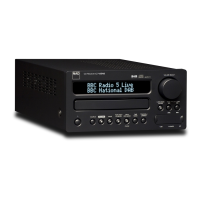
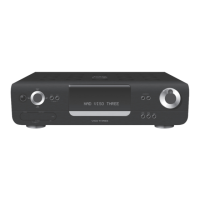
INSTRUCTION MANUAL NAD L 40
CD RECEIVER.
General: How to... Refer to: Chapter; Section:
QUICK REFERENCE GUIDE:


 To Next Page
 Loading...