EasyManua.ls Logo

NAD M55 - Service Manual

NAD M55
78 pages
Print Icon
To Next Page IconTo Next Page
Loading...
SERVICE MANUAL
SERVICE MANUAL
M55
MODEL : M55 AHSERVICE MANUAL
© NAD 2010
NAD ELECTRONICS INTERNATIONAL
TORONTO
M55
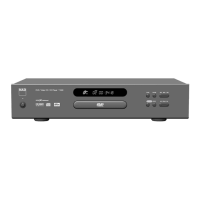
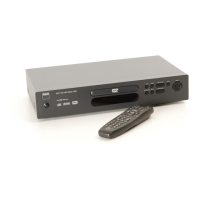
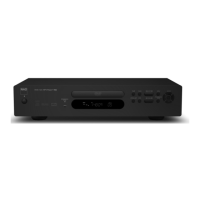
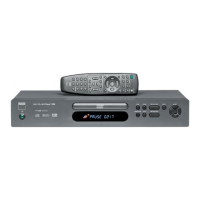
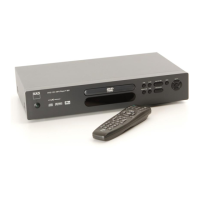
DIGITAL DISC PLAYER
M55
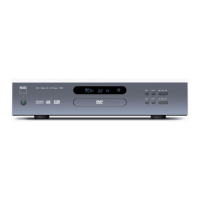
DIGITAL DISC PLAYER
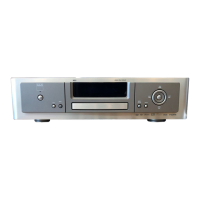
DIGITAL DISC PLAYER

Other manuals for NAD M55

Questions and Answers

  • H
    Hannah CookJul 26, 2025
    Why is there no picture on my NAD DVD Player?
    • C
      Christina Smith MDJul 26, 2025
      If there is no picture when using your NAD DVD Player, there could be several reasons. First, ensure your TV is set to receive the DVD signal output by selecting the appropriate video input mode. Second, check that the video cable is securely connected. Finally, a mismatch between the unit output setting and your TV's resolution capabilities can cause this issue. Check your TV's capabilities, the mode of connections (e.g., S-Video, Component), and the unit's resolution setting according to your TV's capabilities and connection mode.
  • A
    Adrian TurnerJul 30, 2025
    Why is there no sound from my NAD DVD Player?
    • A
      Amanda MitchellJul 30, 2025
      If you're experiencing a lack of sound from your NAD DVD Player, there are a few potential causes. First, make sure the equipment connected to the audio cable is set to receive the DVD signal output by selecting the correct input mode on the audio receiver. Second, verify that the equipment connected to the audio cable is turned on. Finally, incorrect AUDIO output settings can also cause this issue; check and adjust the audio output settings in the Audio Setup menu.
  • L
    Lacey CarneyAug 5, 2025
    What to do if my NAD DVD Player remote control does not work properly?
    • N
      Norma OrtegaAug 5, 2025
      If the remote control for your NAD DVD Player isn't working correctly, try these steps: First, ensure that you are pointing the remote control directly at the remote sensor on the DVD player. Second, make sure you are operating the remote control close enough to the DVD player. Finally, the batteries in the remote control might be dead; try replacing them.
  • L
    Latoya TateAug 9, 2025
    What to do if my NAD DVD Player does not start playback?
    • E
      Erica SuttonAug 10, 2025
      If your NAD DVD Player isn't starting playback, it could be due to a couple of reasons. First, ensure that you've inserted a playable disc, checking its type, color system, and regional code. Second, the rating level might be set; try canceling the rating function or changing the rating level.
  • K
    kleindeborahAug 14, 2025
    How to troubleshoot a NAD M55 that has power on, but does not work?
    • B
      Brooke LyonsAug 15, 2025
      If your NAD DVD Player has power but isn't working, the most common cause is that no disc is inserted. Insert a disc and check that the DVD or audio CD indicator in the display window is lit.
  • M
    Morgan EstradaAug 19, 2025
    How to fix a NAD M55 DVD Player that has no power?
    • M
      Melissa HurleyAug 19, 2025
      If your NAD DVD Player has no power, the power cord might be disconnected. Plug the power cord into the wall outlet securely.

Summary

Section 1 Summary

Product Safety Servicing Guidelines

Details safety procedures, hazard warnings, and installation tips for servicing.

Servicing Precautions

Covers general safety, insulation checks, and handling of sensitive components.

Product Specifications

Lists detailed technical specifications of the NAD M55 digital disc player.

Section 2 Cabinet & Main Chassis

Exploded Views and Parts List

Visual diagrams and a comprehensive list of components for the chassis.

Mechanism and Loader Details

Information on mechanism assembly, loader changes, and FFC routing.

Packing and Accessories

Details on product packaging and included accessories.

Section 3 Electrical

Electrical Troubleshooting Guide

Step-by-step procedures for diagnosing and resolving electrical faults.

System Test and Waveform Analysis

Detailed analysis of system signals and waveforms for testing and debugging.

Block Diagrams

High-level diagrams illustrating system architecture and component interconnections.

Circuit Diagrams

Detailed schematics for various functional circuits within the device.

Print Circuit Board Layouts

Visual layouts of the main printed circuit boards for component identification.

Section 4 Mechanism (original type)

Mechanism Assembly Overview

Exploded view and component list for the original mechanism type.

Section 5 Replacement Parts List

Component Part Numbers and Descriptions

Comprehensive list of all replaceable parts with P/N, description, and designator.

NAD M55 Specifications

General IconGeneral
BrandNAD
ModelM55
CategoryDVD Player
LanguageEnglish

Related product manuals