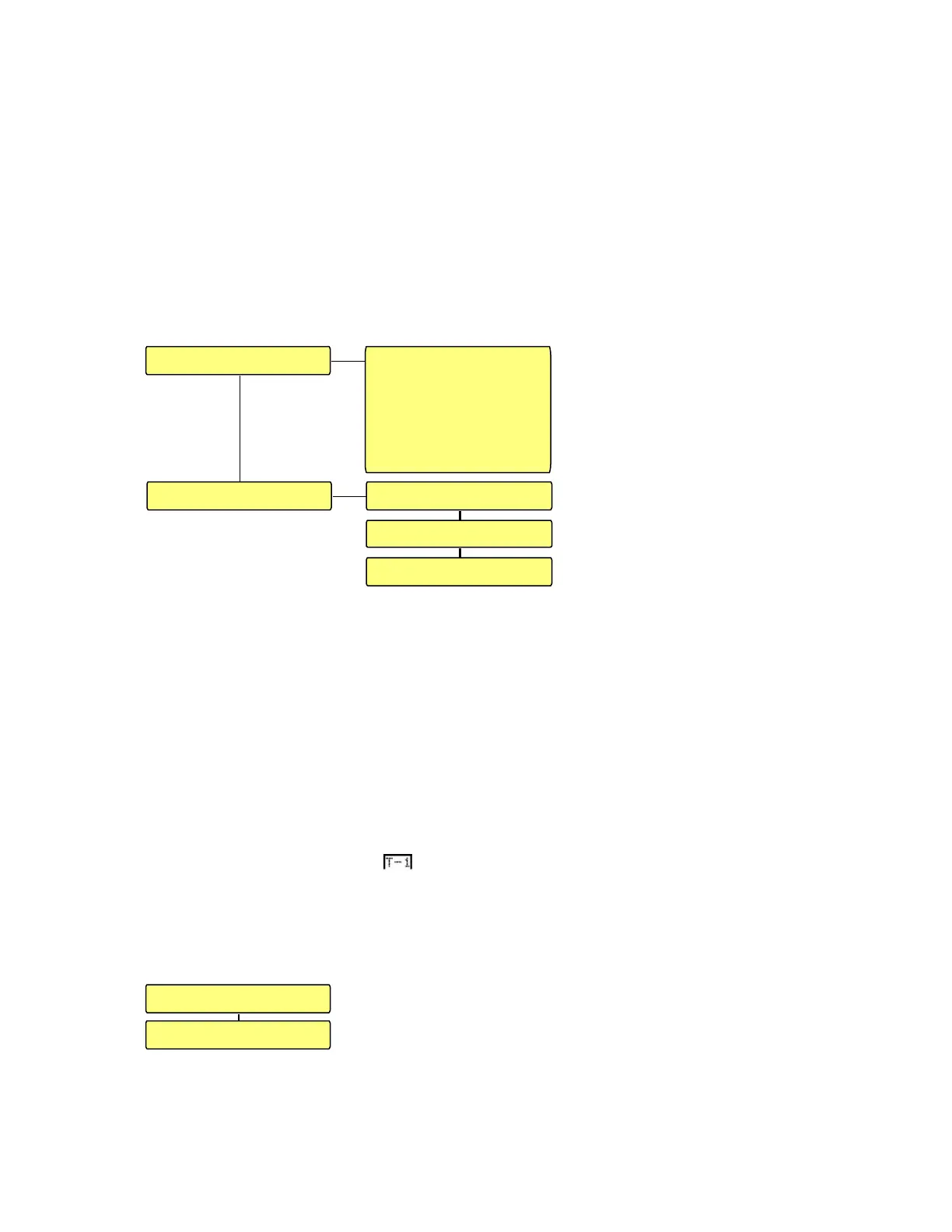
This sub menu gives all the information concerning the selected input source data as well
as the output configuration, concerning quantity of channels, versus the speaker setup
that was selected.
FMT stands for FORMAT. In the case above, the input source is LINEAR PCM data.
(Phase Coded Modulation).
SMP FREQ. stands for SAMPLING FREQUENCY. The incoming sampling rate. In
this case it is 48 kHz.
2 TEMPLATES.
The TEMPLATES menu
permits to store a full setup
configuration for a particular
input source and the way that it
should be played back at the
outputs.
Maximum 3 templates can be
stored in the memory of the
machine.
Example: for storing the
template “T-1”, go to SAVE
followed by TEMPLATE
SAVE. Press and hold the function key bellow T1 until TEMPLATE
SUCCESSFULLY SAVED appears.
The following parameters are stored in a template: Remote control settings, Power-up
settings, LCD & LED Blanking and Light correction, Input source.
The RENAME menu permits to enter a customized name.
To enter a customized name, press the center key once. By pressing the up or down
arrow keys, the corresponding character can be selected. To jump to the next character
position, press once the right arrow key. Maximum 3 characters can be entered. Once the
selection is made, press again the center key to confirm and store the new name.
When as an example was selected and the square is still around the text, it
means that in the mean time, no parameters were manually changed versus the
parameters stored for the template. If any stored parameters are changed, the square will
disappear.
3 SETUP.
In the SETUP menu, the SPEAKER SETUP menu or the
MISC can be selected.
SAVE
TEMPLATE SAVE
PRESS AND HOLD
SOFT KEY AT LEAST
3 SEC.
T1 T2 T3
TEMPLATE 1: T-1
TEMPLATE 2: T-2
TEMPLATE 3: T-3
RENAME
SPEAKER SETUP
MISC.


 To Next Page