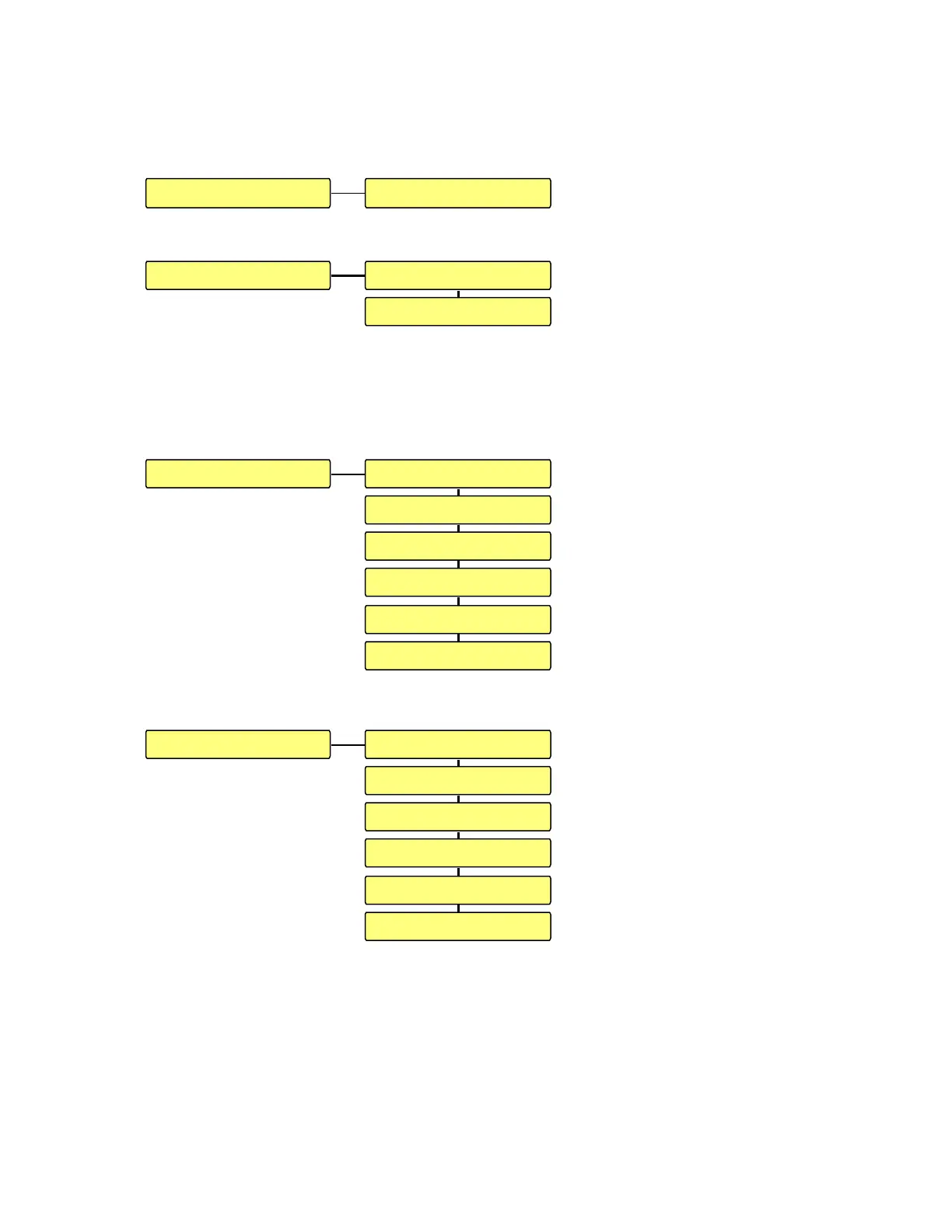
3.1 SPEAKER SETUP.
The SPEAKER SETUP menu permits to change the PHASE for each channel
individually.
3.1.1 PHASE.
The PHASE menu permits to
reverse the phase individually
for each channel.
DIRECT means that the output signal is in phase with the input source.
INVERTED means that the output signal is phase reversed versus the input source.
3.2 MISC.
The MISC. menu gives access
to several additional settings,
adjusments and information.
3.2.1 INPUT NAMES.
The INPUT NAMES menu
gives the possibility to select
another name out of a list or to
create a customized name for
each input.
To select a name out of a list,
press the function key below
the indication LST. By using
the up and down arrow keys
select a corresponding name and press the center key to confirm.
If a name needs to be introduced directly, press the center key for the corresponding
input, use the up and down arrow keys for selecting a character, move to the next
character space by pressing the right arrow key etc. Once the name introduced, press the
center key to confirm. Maximum 10 characters (a “space” is considered as a character)
can be entered.
SUGGESTION: To spare time, an almost corresponding name can be selected out of
the list and be edited after.
MISC. INPUT NAMES
FRONT PANEL
REMOTE CONTROL
POWER-UP SETTINGS
FACTORY CONFIG.
ABOUT
A ANALOG: ANALOGINPUT NAMES
B SPDIF : SPDIF 1
C SPDIF : SPDIF 2
D SPDIF : SPDIF 3
E TOS : TOS
F AES : AES
PHASESPEAKER SETUP
FRONT L: DIRECTPHASE
FRONT R: DIRECT


 To Next Page