18
Nagra – HD DAC
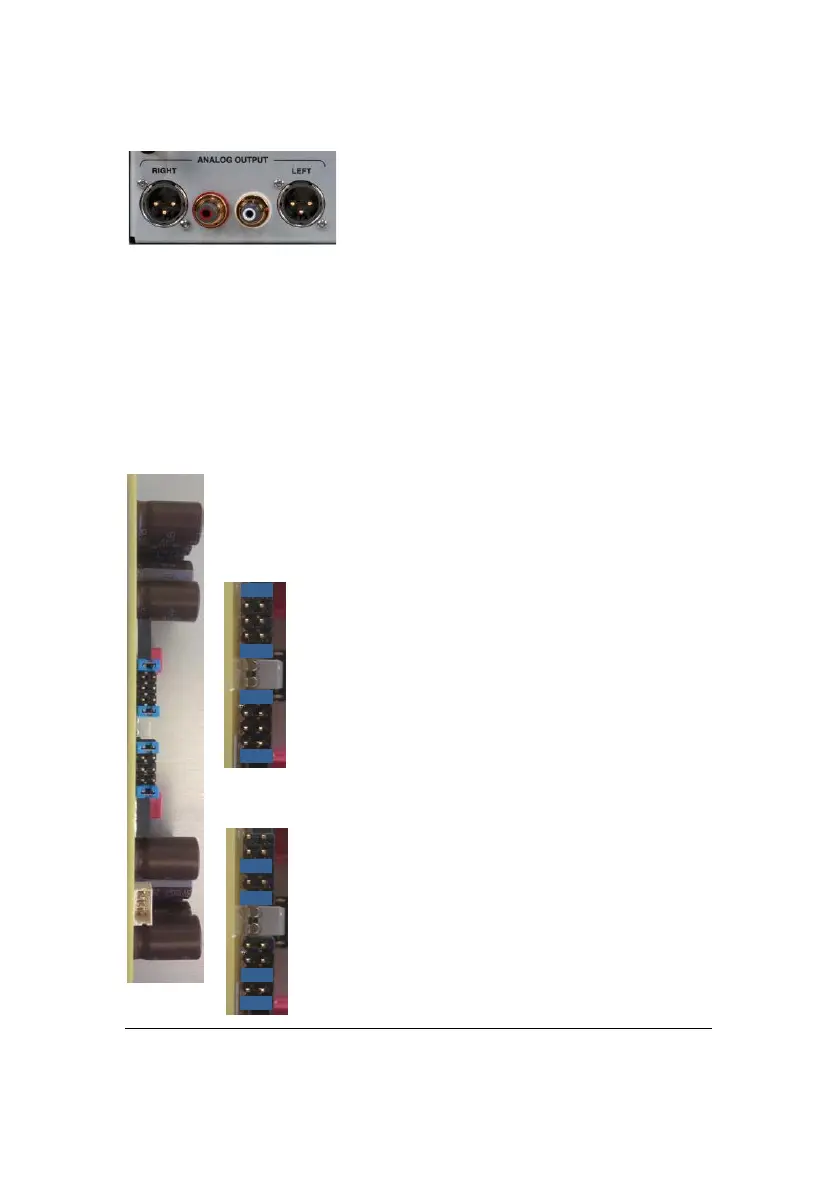
Connecting the HD DAC to your system
You may use either RCA or XLR connectors to
connect your HD DAC to your preamplifier or
amplifier.
Do not use both outputs in parallel.
XLR output are unbalanced, should you require
balanced (Symmetrical) output optional
transformers can be custom built for you. Please contact your Nagra dealer to
know more about this option.
It is strongly recommended to use high quality cables throughout your system to
benefit from the exceptional audio quality available.
Setting the headphone amplifier level
The headphone amplifier output level can be adjusted, by the means of jumpers,
to match the sensitivity of your headset.
The settings to change your headphone amplifier are inside the HD DAC so your
dealer should adjust it upon delivering of the unit.
The headphone amplifier is located on the right-hand side of the
HD DAC.
Here are the two sets of jumpers.
No attenuation (factory setting)
6 dB attenuation (-6 dB)



 To Next Page