17
Nagra – HD DAC
USB set-up with computers
Due to the rapidly changing nature of the computer world, all computer related
set-up information is to be found on the supplied USB key.
MAC
The Nagra HD DAC is recognized as a playback device, no further software is
required. Simply select the Nagra HD DAC device in the audio settings menu.
PC
You will need to install a driver and update your ASIO drivers as well; the drivers
are to be found on the USB key supplied with your HD DAC.
More information on inputs and formats
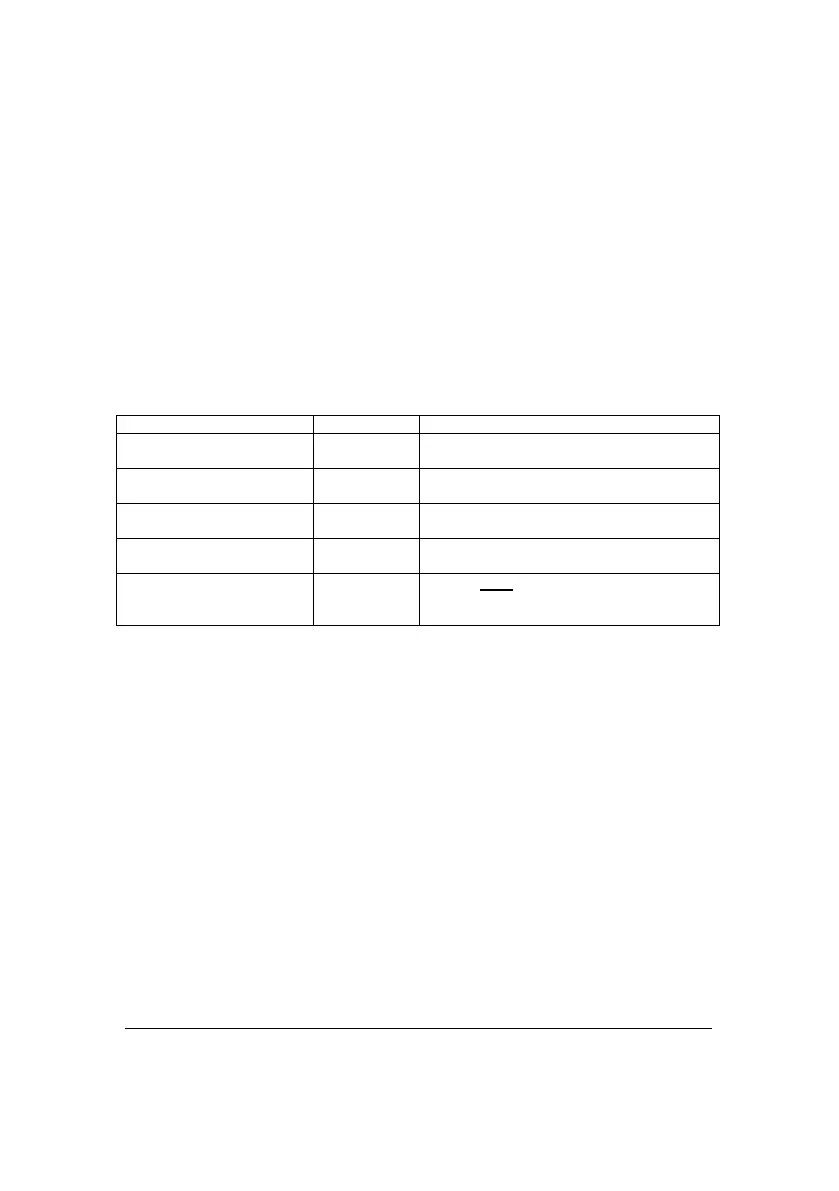
The HD DAC comes with 7 different digital inputs. Please find the format
compatibility in the following table:
Up to 192 kHz 24 bits (with high
quality optical fiber)
Up to 384 kHz 32 bits (or DXD)
DSD 2x
Nagra
This is NOT an RJ 45 Ethernet
connector, but a dedicated Nagra input
* UAC2 stands for “USB Audio Class 2” works to connect computers PC or Mac as
well as other computer type devices.



 To Next Page