E13
NARCOM 4 Handset
18.1 Using NARCOM
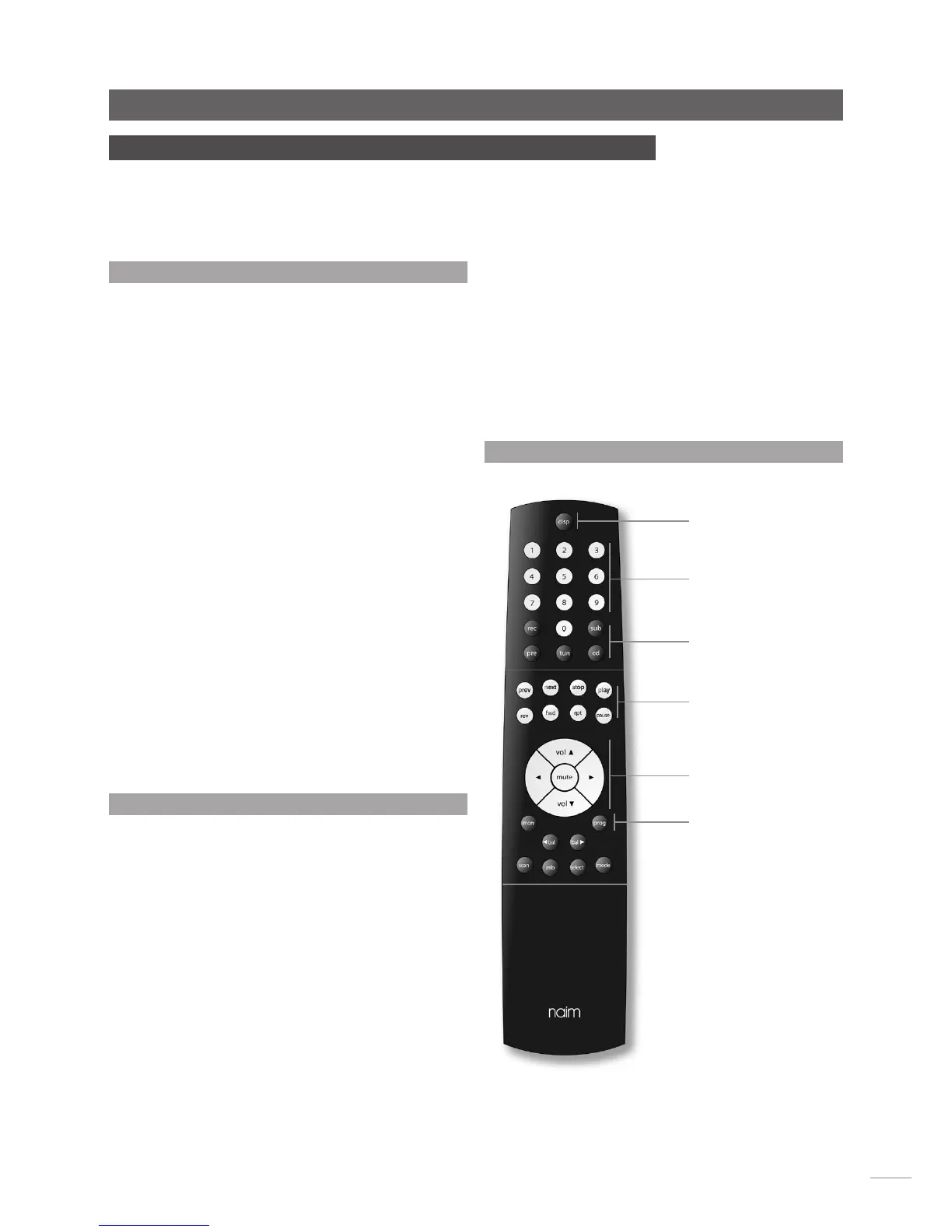
Operation of the NARCOM handset is based around three
types of keys: System Component Keys, Global Keys and Soft
Keys.
System Component Keys keys switch the operation of the Soft
Keys into modes appropriate to each system component (CD
player, preamplifier, etc.).
Global Keys operate specific component functions regardless
of the System Component Key setting and are available at all
times.
CD player Global Keys operate as follows:
prev Selects the previous track or index point.
next Selects the next track or index point.
stop Stops cd play.
play Begins cd play.
fwd Fast forwards the cd.
rev Fast reverses the cd.
rpt Repeats the cd or programmed tracks.
pause Pauses the cd.
Soft Keys keys operate, in CD mode (selected by the System
Component Keys), as follows:
numeric: Directly selects tracks or, with the prog key, selects
tracks for play order programming.
prog: Confirms CD track play order selections.
disp: Scrolls through the display options of track, time and
display off.
18.2 Play Order Programming
To program a play order select a track number from the
numeric keys followed by the prog key until the desired
selection is complete. During selection, the track number
indicated in the player display will be followed by either P or
— or no display. P indicates that the track is already selected, —
indicates that the track can be selected.
The prog key can also be used to delete tracks from a play
order. To delete a track, press and hold the prog key until the
prog indicator in the CD display illuminates then delete the
track or tracks using the numeric keys followed each time by
a further operation of the prog key. During deletion the track
number indicated in the player display will be followed by
either C or — or no display. C indicates that the track is already
deleted, — indicates that the track can be deleted while no
display indicates that this is the only track remaining and
therefore cannot be deleted.
18 NARCOM 4 Handset
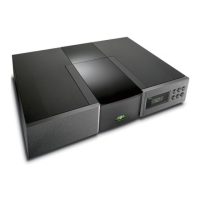
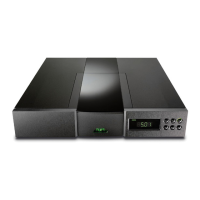
The NARCOM 4 is a multi-functional remote control handset designed to be used with Naim
Audio CD players, integrated amplifiers, preamplifiers, preset tuners and subwoofers.
To fit batteries, remove the battery cover and insert the batteries into the body taking care
with their orientation. Replace the battery cover.
The CD player can be programmed with a random play order
(from stop with no play order already in place) by pressing prog
followed by 1. Similarly, to program a reverse play order, press
prog followed by 2.
Play orders can be reviewed by pressing prog while the player
is either stopped or playing. The player display will then scroll
through the selected tracks. The prog indicator on the player
display will illuminate when a play order has been programmed.
To clear the program memory press and hold the stop ke y.
System Component Keys
Numeric keys (Soft)
Global Keys (CD)
Volume and mute keys
Prog Key (Soft)
Disp Key (Soft)
18.3 NARCOM 4 Keys



 To Next Page