19.1 Introduction
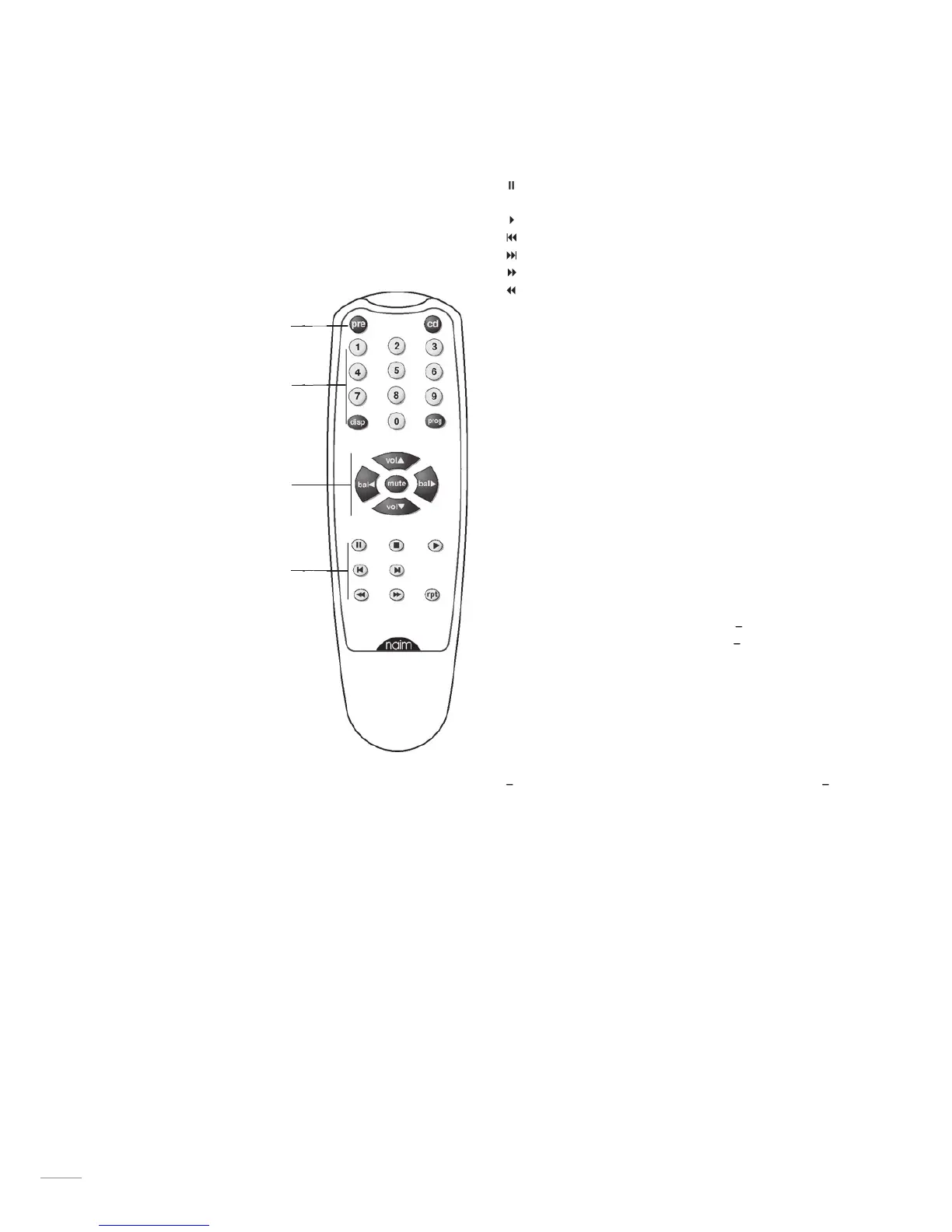
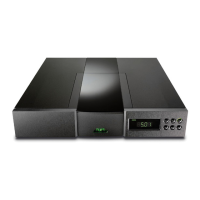
iCOM is a simple remote control handset designed to be
used with Naim Audio CD players, integrated and pre-
amplifiers. The handset control configuration is based
around three types of keys: System Component Keys,
Global Keys and Soft Keys.
19.2 System
component keys
These keys switch
the operation of
the
into
modes appropriate
to each system
component.
Switches
the action of the
Soft Keys to that
appropriate for a CD
player.
Switches
the action of the
Soft Keys to that
appropriate for
an integrated or
preamplifier.
19.3 Global Keys
These keys operate
specific component
functions regardless
of the System
Component Key
setting.
Preamplifier
Adjusts the preamplifier volume and the volume
control position.
Reduces the preamplifier volume to zero. A second
press restores the volume.
Adjusts the channel balance. Some Naim amplifiers
have control of balance available only from the
remote handset. On these products the balance will
automatically centre as it reaches the mid point.
Balance centring is indicated by a flashing volume
control indicator. To resume adjustment once the
balance has centred, bal key must be released and
re-pressed.
Selects the previous track or index point.
Selects the next track or index point.
Repeats the cd or programmed tracks.
19.4 Soft Keys
These keys operate functions depending on the System
Component Key setting.
will switch
between the preamplifier inputs. In
Selects the component front panel display
mode.
Provides access to component programming
functions.
19.5 CD Track Programming
To program a play order select a track number from the
key until the desired selection is
complete. During selection, the track number indicated in the
player display will be followed by either
indicates that the track is already selected,
indicates that the
track can be selected.
The
key can also be used to delete tracks from a play
order. To delete a track, press and hold the
key until the
prog indicator in the CD display illuminates then delete the track
or tracks using the
followed each time by a further
operation of the
key. During deletion the track number
indicated in the player display will be followed by either
indicates that the track is already deleted,
indicates that the track can be deleted while no display indicates
that this is the only track remaining and therefore cannot be
deleted.
The CD player can be programmed with a random play order
(from stop with no play order already in place) by pressing
Similarly, to program a reverse play order, press
Play orders can be reviewed by pressing
while the player
is either stopped or playing. The player display will then scroll
through the selected tracks. The prog indicator on the player
display will illuminate when a play order has been programmed.
To clear the program memory press and hold the
key will scroll through these options: tracks (“time”
indicator off), time (“time” indicator on) and display off.


 To Next Page