Voice activation (sensitivity)
Voice Activation
The sensitivity level of the baby unit defines what you hear
through the parent unit.
When the level is set high, you will hear many sounds, including
soft background sounds. When the sensitivity level is set low,
you will hear only the louder sounds.
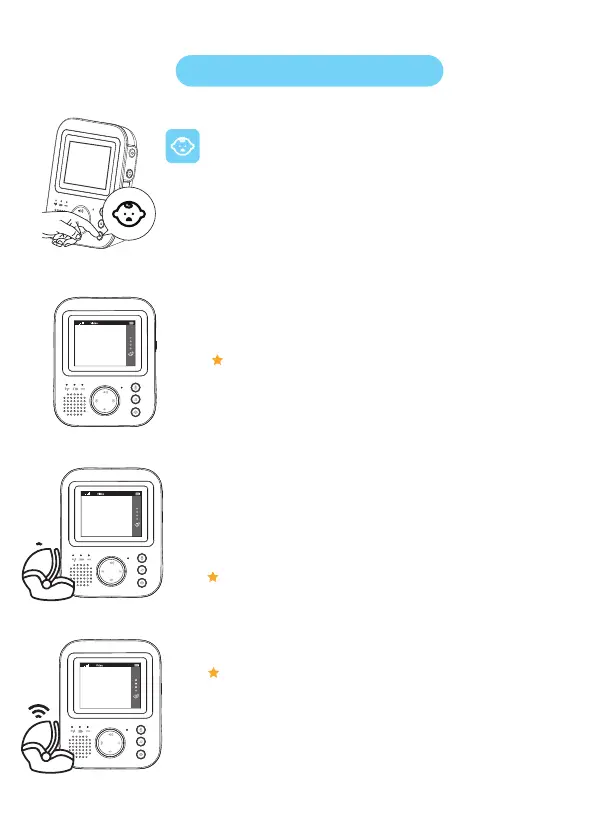
1. Press the sensitivity button to access the sensitivity levels.
2. Press the top or bottom part of the control button to select the desired sensitivity
level.
If your baby only makes soft sounds, the sensitivity of the baby unit needs to be
set to a high sensitivity level on the parent unit.
Note: The louder your baby sounds, the lower the sensitivity can be set on the
parent unit.
Note: In AUDIO and VIDEO mode, you will have continuous sound when
the sensitivity level is 'very high'. Otherwise, low sounds will be muted.
Note: When pressing the sensitivity button again, you will leave the menu.


 To Next Page