Operation modes
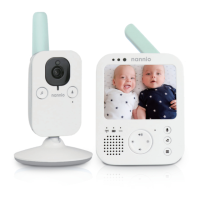
Video Mode
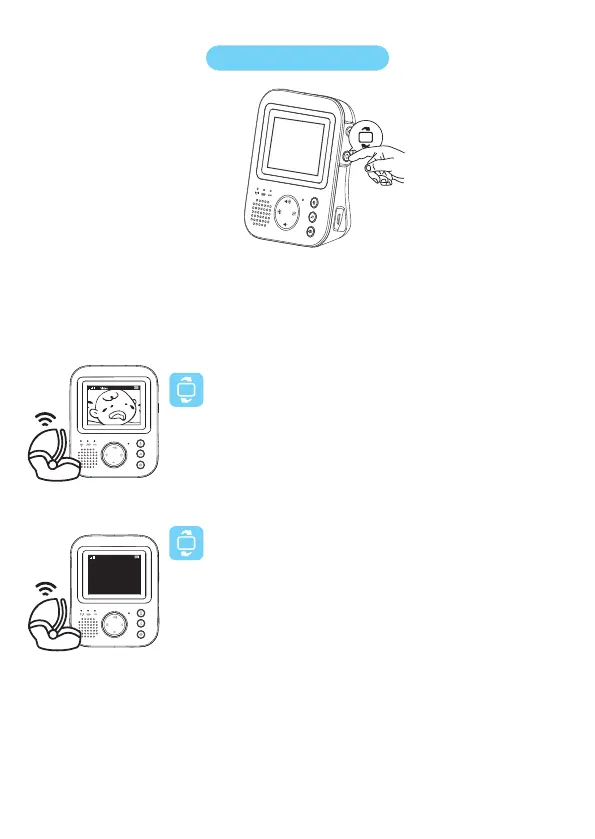
Press the mode button on the side of the parent unit to select the
VIDEO mode.
After enabling the video mode, the screen is always on, so you
can see your baby always and all sounds are directly transmitted
to the parent unit.
Audio Mode
Press the mode button on the side of the parent unit to select the
AUDIO mode.
When the AUDIO mode is activated, the display of the parent
unit becomes black. After 3 seconds, the display will turn off
completely and the status bar will disappear.
If your baby is crying, the display is still in black, but you can hear
the crying of your baby.
1
2.
3.
1
2.
Video•Audio•VOX
With the baby monitor turned on, you can choose 3 different modes
by pressing the mode button on the side of the parent unit.
Audio


 To Next Page