Need help?
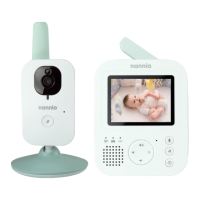
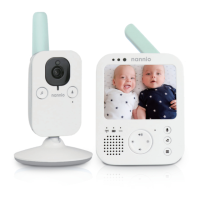
Do you have a question about the Nannio Hero3 and is the answer not in the manual?
Details the meaning of green, orange, and red battery indicator lights.
Explains how the parent and baby units automatically connect.
Guides on mounting or placing the baby unit for best view.
Specifies indoor and outdoor operational distances.
Instructions on how to control the parent unit's audio volume.
Instructions on how to control the parent unit's screen brightness.
Enables continuous video and audio monitoring.
Conserves battery by disabling the screen, retaining audio.
Activates sound detection, turning screen on only when baby makes noise.
Allows the parent to speak to the baby through the monitor.
Explains how to access and navigate product settings using the menu.
 General
| Brand | Nannio |
|---|---|
| Model | Hero3 |
| Category | Baby Monitor |
| Language | English |

 To Next Page