Owner’s Manual
720005-0000
November 2009
3
1.3 Printer Controls
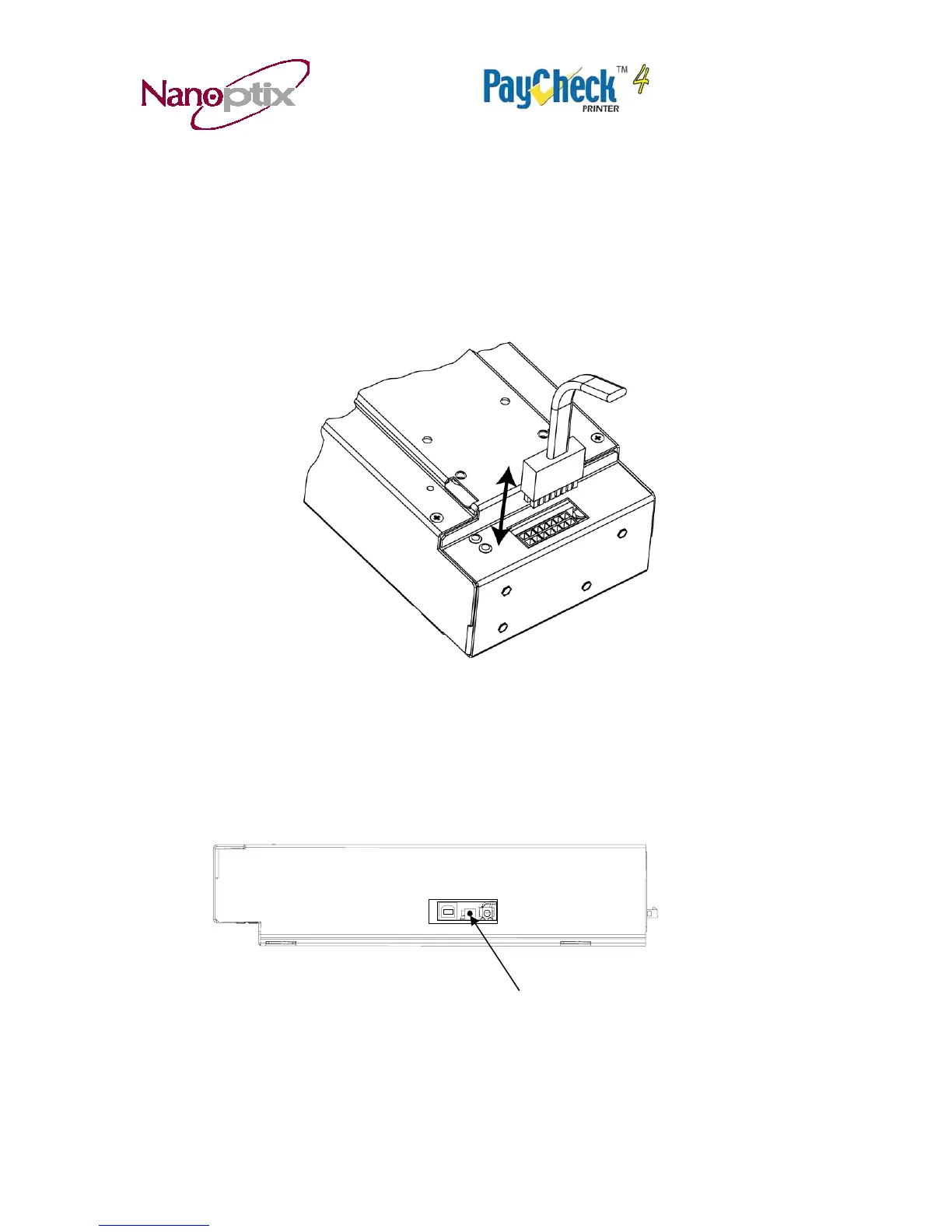
Printer Reset (Service use only)
To reset the printer, simply unplug and plug the cable. Once plugged in, the printer goes
through a startup routine and resets itself.
Figure 2: Printer Reset
Paper Feed Button
Use the Paper Feed Button to advance the paper. The paper will automatically feed.
Tear off the form that has been fed and the printer will be ready to print on a full form.
Paper Feed
Figure 3: Paper Feed Button


 To Next Page