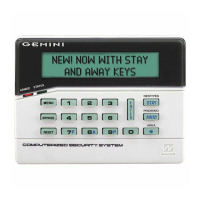
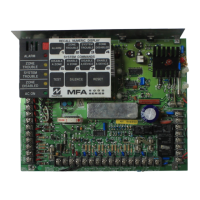
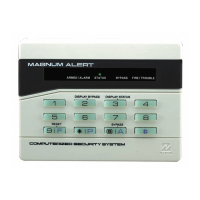
NAPCO Gemini C-Series Control Panel Programming Instructions--Volume 2
NAPCO Security Group
Programming Instructions, Volume 2 Page 109
SYSTEM RESET OPTIONS (ADDRESS 8177-8179)
Clear Dealer Program (Erases Dealer Program)
This erases the dealer program. Use this feature to start a
customized default program. Note: Will clear all pro-
gramming except for schedule information (Test Timer,
Auto Arm/Disarm) and Zone Descriptions.
Access address 8177, then press the U button. Data entry is not allowed.
Note: Enter Easy Menu Driven Program Mode to program system again.
GEMC-FK1 Keypad
8177 XX
Cold Start (Erases Entire Program)
This erases the entire program (codes, schedules, foreign
language configuration, etc), leaving the panel as it came
right out of the box.
Access address 8179, then press the U button. Data entry is not allowed.
Note: Some features (schedules, language configuration) can only be re-
programmed with the Downloading Software.
GEMC-FK1 Keypad
8179 XX


 To Next Page
 Loading...