13
How to live stream via OBS with NS120
OBS is widely known as a powerful and completely free live broadcast software. However,
the difficulty of getting started with OBS is very high. Besides that, there is no complete
set of "User Manual" and no professional technical team can ask for help. Therefore, only
fragmented tutorials can be found on the Internet. (The following live broadcast process
will be demonstrated using a PS4 as video source.)
1. This instructions only introduces the use of NJ300 for live recording of OBS. For other
functions of OBS, please nd it through the Internet
2. OBS supports both Windows10 and MacOS
Download and install
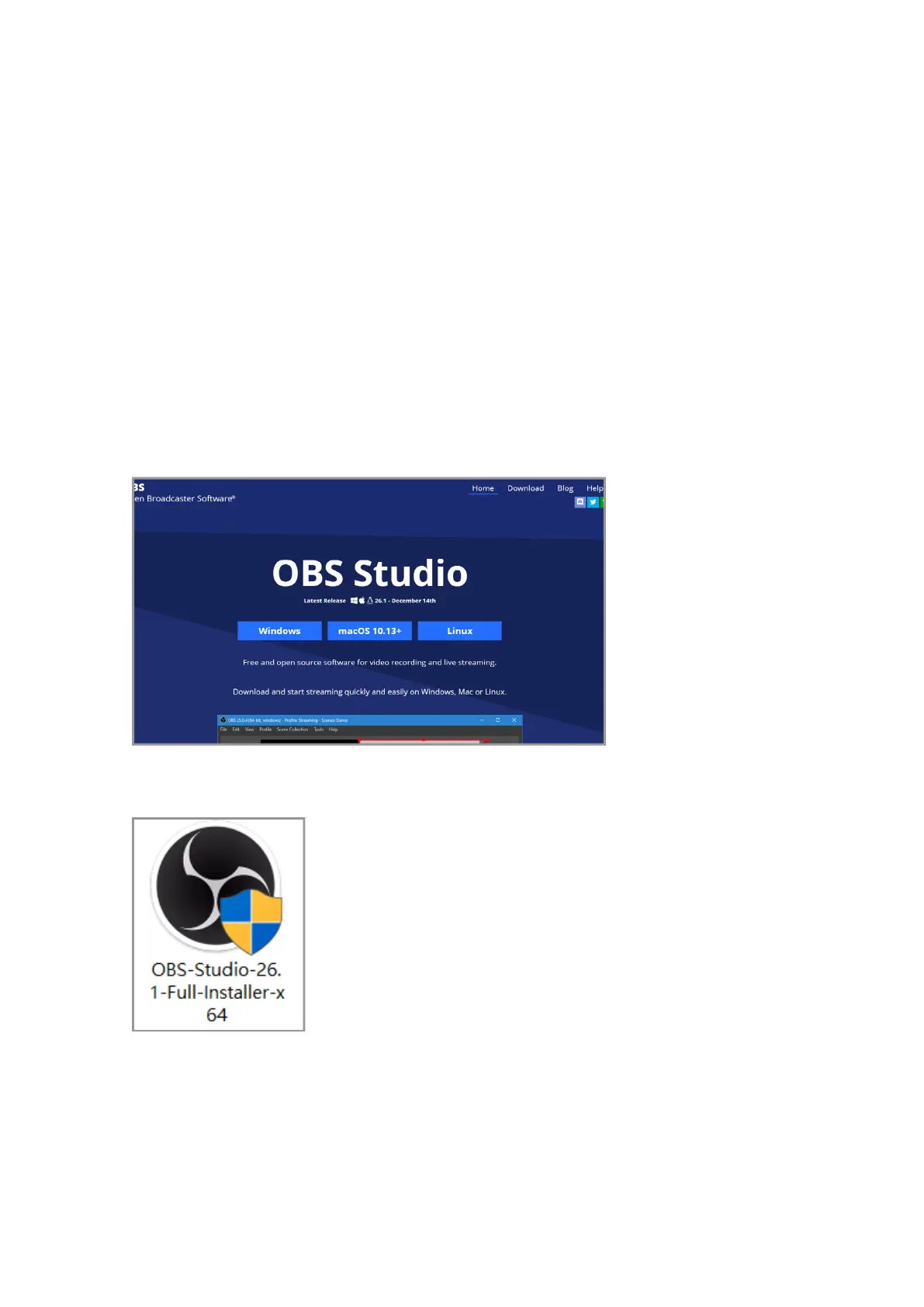
First, go to the OBS ocial website, click download on the area of your computer's system
and start downloading
Open the downloaded le and install



 To Next Page