14
Setting
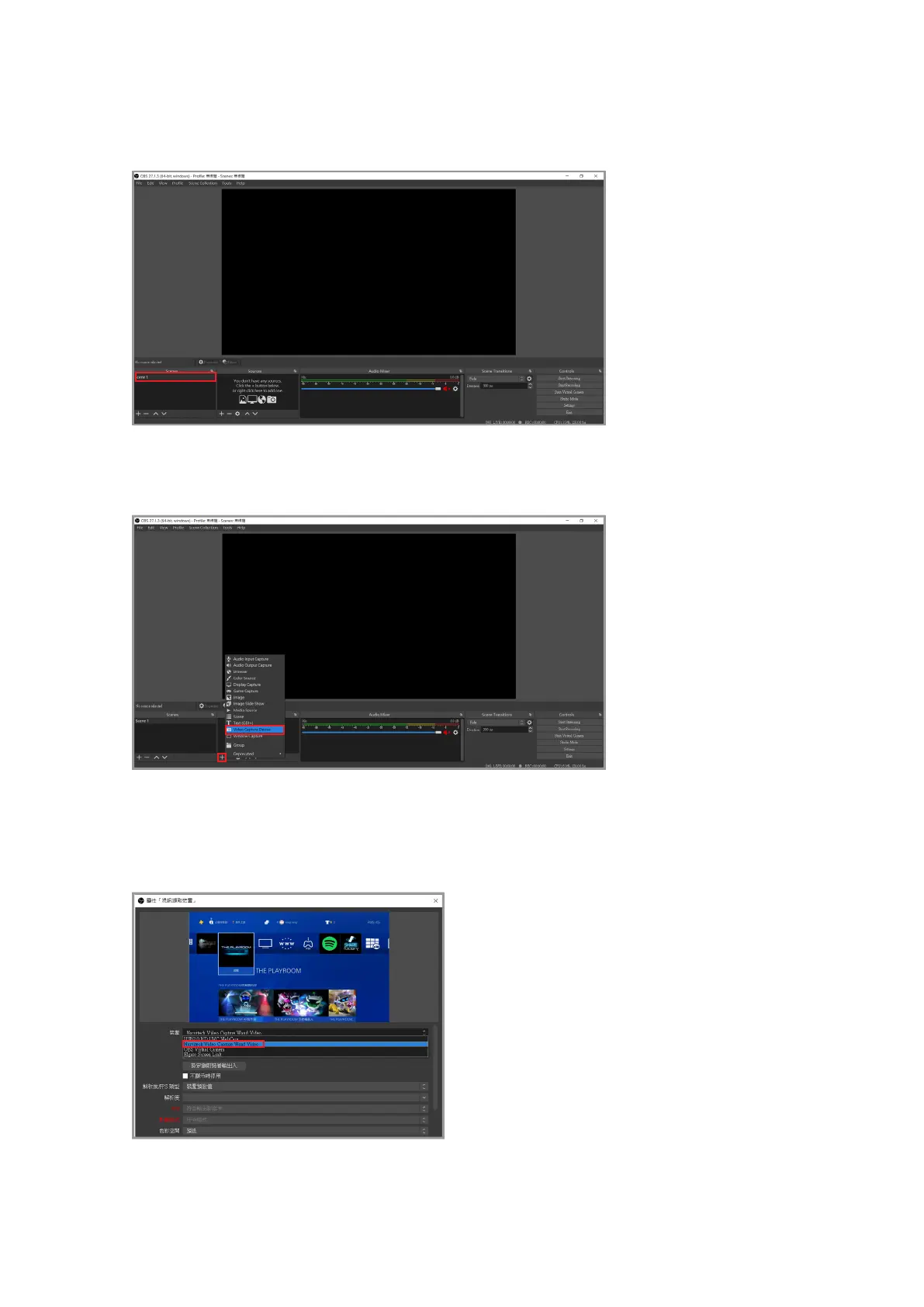
After opening OBS, select the scene in the lower left corner (if you want to play multiple sets
of videos or live content, you can create multiple sets of scenes)
Then click [the + button in the red frame> Video capture device> Set source name] and click
OK
Select "Narvitech Video Capture Wand Video" in "Device" in the window
If the preview screen is black after selecting the device, please turn o the HDCP of the video
source device [PS4: Settings> System> HDCP> O] [PS5: Settings> System> HDMI> HDCP> O]



 To Next Page