8
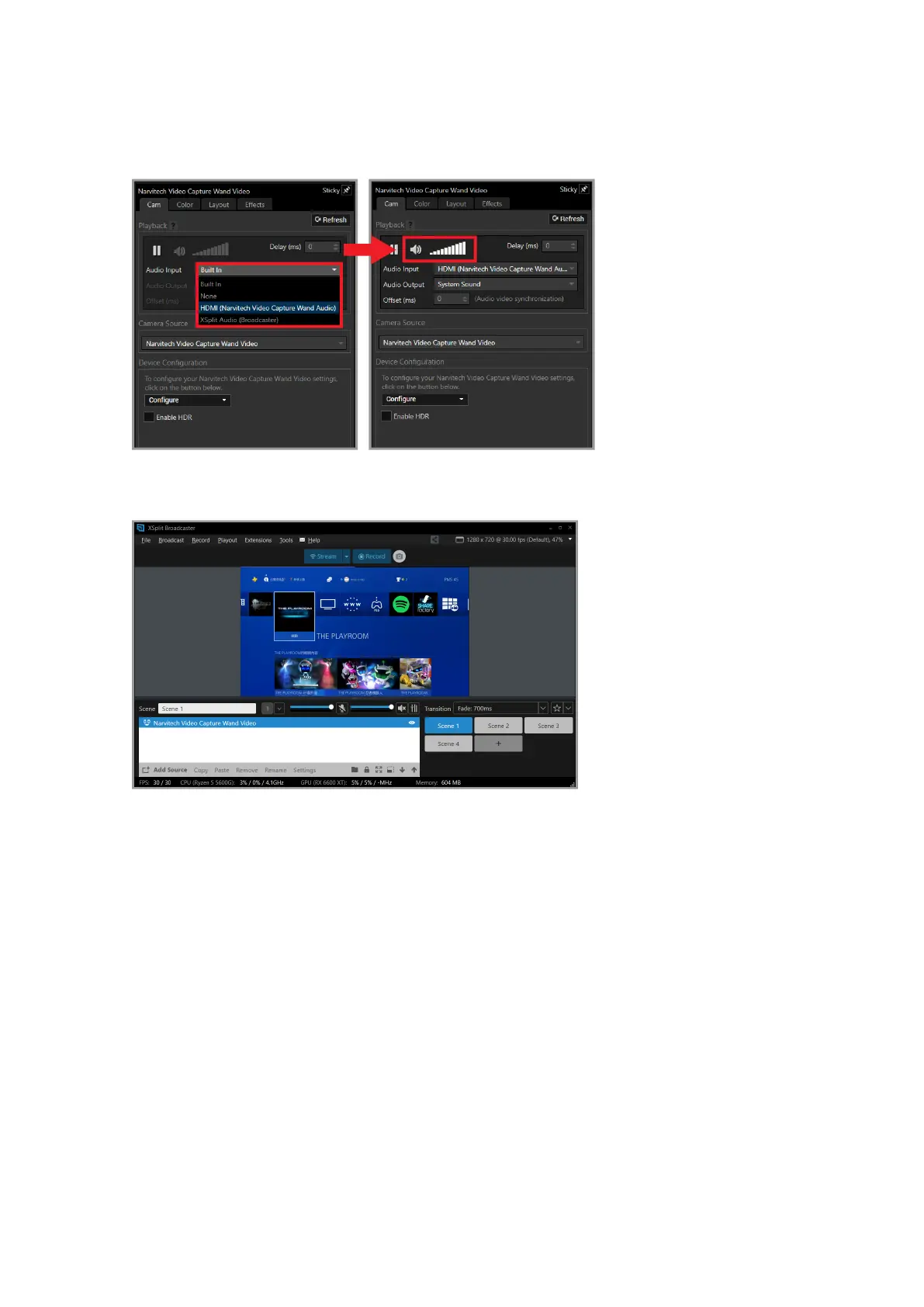
The video setting of NS120 is now completed, and you are ready to start live broadcasting!
1. Click any resource in the list below and press "Delete" to delete it.
2. For other detailed settings and functions, please go to [XSplit ocial website> Support> XSplit
Broadcaster> User manual]
3. For live streaming, it is recommended that the resolution setting is adjusted to 1080p or 720p,
and the frame rate is adjusted to 60FPS or 30FPS
Next is the audio input. After selecting HDMI (Narvitech Video Capture Wand Audio), you can
adjust the volume of the NS120 input to the live broadcast



 To Next Page