naË
PTA12-300 POTS Telephone Adapter with NVIS
Display
SM55-2
lnstallation
and Operation
Manual
3.4 Name / Number Storage and Display
The PTAI 2-300
can store up to 16 sets of data, each consisting of two lines:
the first line
has an identifier
(address
number)followed
by a
name
and
the
second
line is the associated telephone number.
Each name line
starts with the two-digit address number
(01
through
16)followed by
a colon and
has
up
to l3
character spaces available
to store
the
alphanumeric
name. There are up to
16
character spaces
for the
phone
number. The
display only shows
name
or
number information at one time. ln Recall mode,
pressing
the <-
(#)
or
-+
(*)
buttons
will
toggle
from name to number or number
to
name. Full information
on storing
and editing information is
provided
in Section 3.5.3.
Note: The # and
*
buttons may not
be used
in
either
the name or number since these buttons
are
used
as <- and
-+
when the PTA12-300 is in edit mode.
3.5 Modes
of Operation
Upon initialization,
the PTA12-300 is in
a
Default Power-Up mode and the display
will
show PTA12-300
X.XX.X, where x.xx.x is the firmware
revision
number. The
unit
will
automatically
enter this mode at
power
up, or when reset. From Default
mode, 3 different modes of operation
may be selected:
Call
mode, Recall
mode or Edit mode
(see
Sections 3.5.1 through 3.5.3),
3.s.1
CallMode
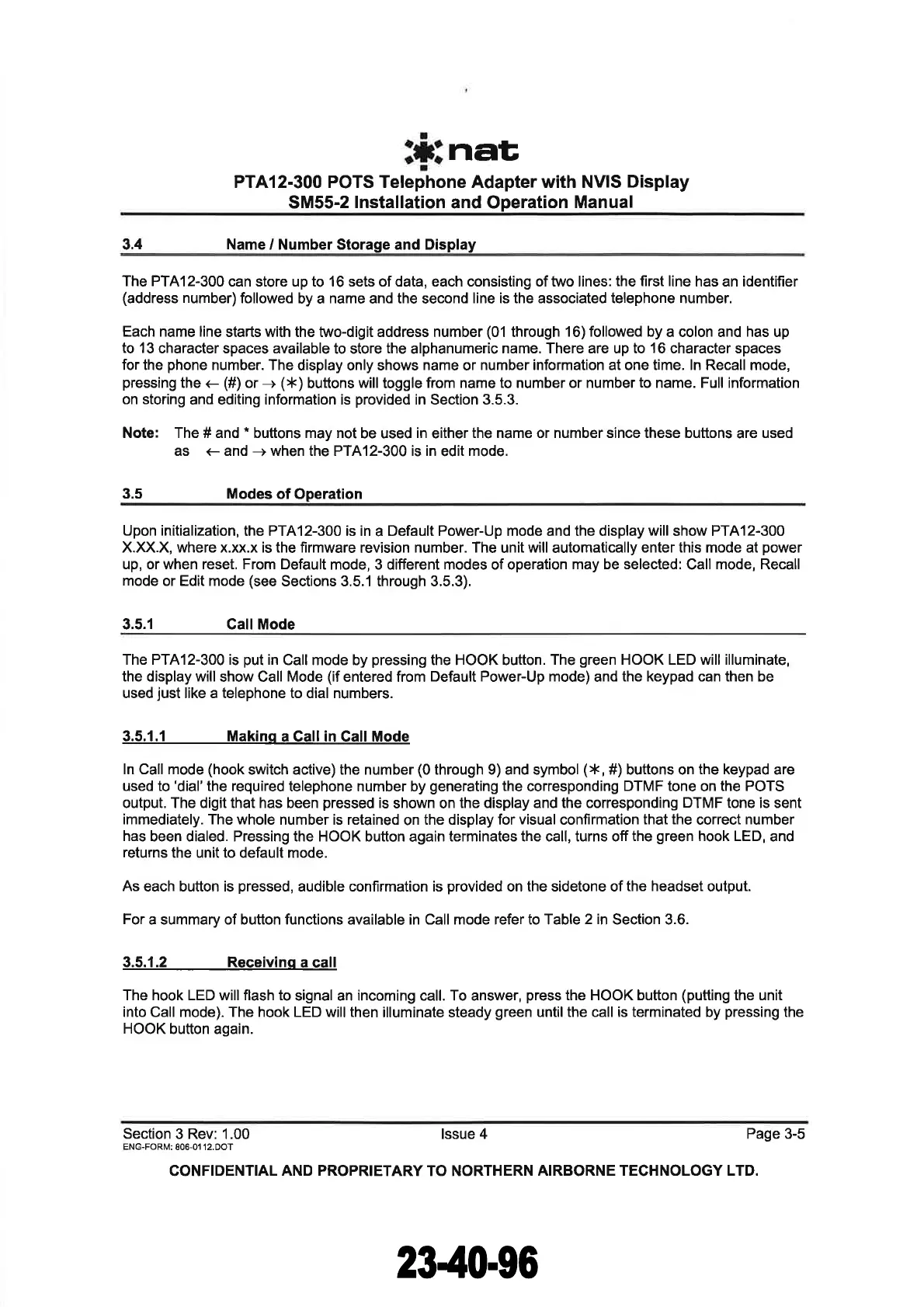
The PTA12-300 is
put
in
Call mode by
pressing
the HOOK button.
The
green
HOOK LED will illuminate,
the display will
show Call Mode
(if
entered from
Default Power-Up mode)
and
the keypad can then be
used
just
like a telephone to dial numbers.
3.5,1.1 Makinq
a Call in Gall Mode
ln Call mode
(hook
switch active) the number
(0
through 9) and symbol
(*,
#) buttons on
the keypad
are
used to
'dial'the
required
telephone number by
generating
the
corresponding
DTMF tone
on
the POTS
output. The digit that has been
pressed
is
shown on
the display and the corresponding
DTMF
tone is sent
immediately. The whole
number is retained
on
the display for
visual
confirmation
that the
correct
number
has
been dialed. Pressing the HOOK button
again
terminates the call, turns off
the
green
hook LED,
and
returns
the unit to default mode.
As
each button is
pressed,
audible confirmation is
provided
on the sidetone of
the headset
output.
For
a summary of button functions available in Call mode refer to Table
2 in
Section 3.6.
3.5.1.2 Receivinq
a call
The hook LED will flash to
signal an incoming call. To answer,
press
the HOOK button
(putting
the unit
into Call mode). The hook LED will then
illuminate steady
green
untilthe call is terminated by
pressing
the
HOOK
button again.
Section
3 Rev: 1.00 lssue 4
Page 3-5
ENG-FOR¡¡:
806-01 12.DOT
CONFIDENTIAL
AND PROPRIETARY
TO NORTHERN
AIRBORNE TECHNOLOGY LTD.
The document reference is online, please check the correspondence between the online documentation and the printed version.


 To Next Page