Chapter 2 Installation and Configuration
NI PXI-1042 Series User Manual 2-6 ni.com
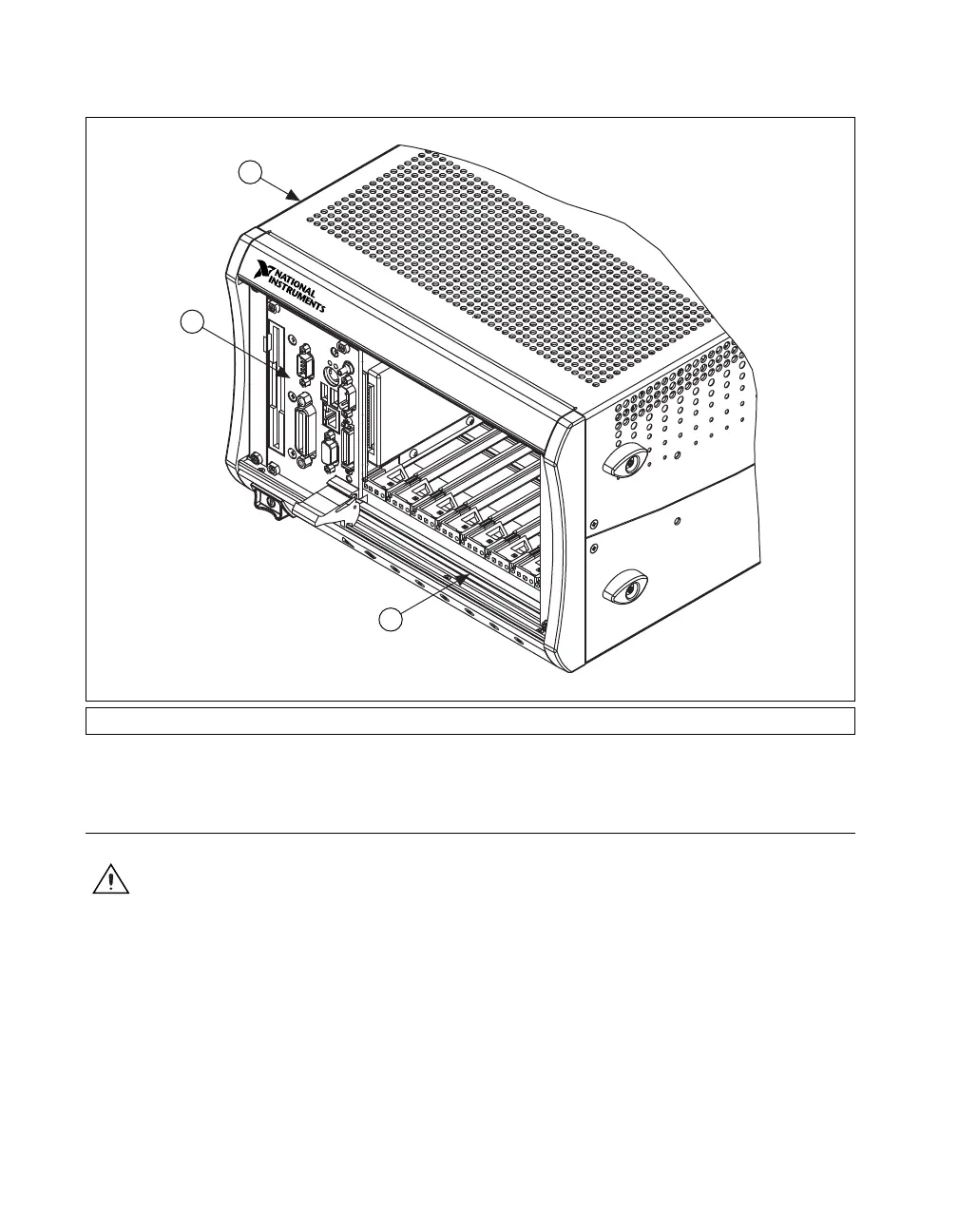
Figure 2-3. NI Controller Installed in a PXI-1042 Chassis
Installing PXI Modules
Caution Disconnect the AC power cable before installing CompactPCI or PXI modules.
To install a module, complete the following steps:
1. Install a module into a chassis slot by first placing the module card
edges into the front module guides (top and bottom), as shown in
Figure 2-4. Slide the module to the rear of the chassis, making sure that
the injector/ejector handle is pushed down as shown in Figure 2-2.
2. When you begin to feel resistance, push up on the injector/ejector
handle to fully inject the module into the chassis frame. Secure the
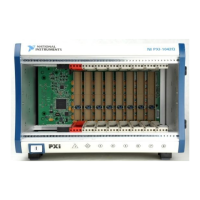
1 PXI-1042 Chassis 2 NI Controller 3 Injector/Ejector Rail
1
2
3
NI PXI-1042


 To Next Page
 Loading...