3.2 Updating Your Product
3.2.1 Select Updates
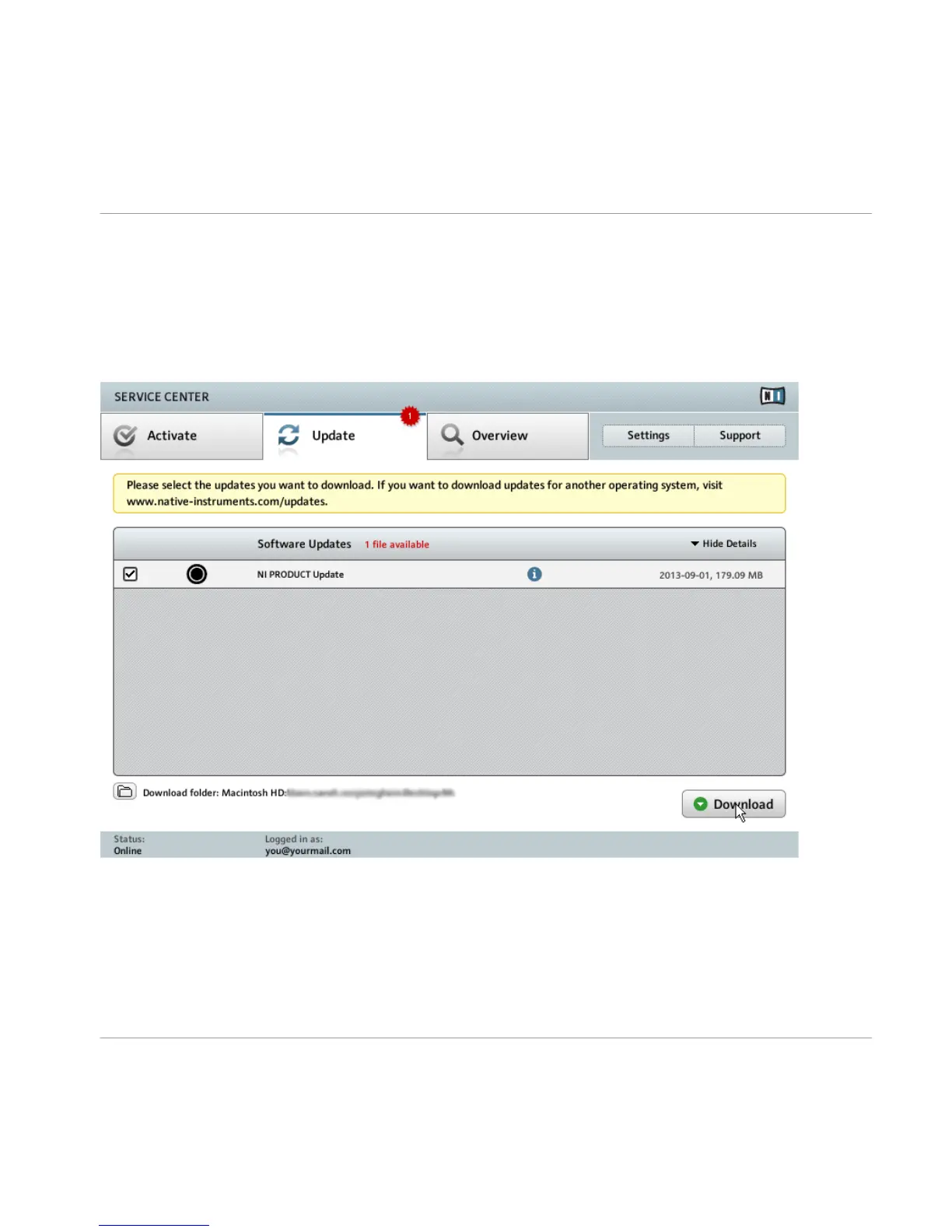
The product update screen of SERVICE CENTER.
1. In SERVICE CENTER, click the Update tab to view a list of available updates.
2. Select the updates you want to download by checking the checkboxes on the left. We rec-
ommend downloading all preselected updates.
3. Click Download.
Product Activation with SERVICE CENTER
Updating Your Product
TRAKTOR KNOTRL D2 - Setup Guide - 23



 To Next Page