NV10/NV7.5 Operations and Maintenance Manual Operating the transmitter
Issue 3.4 2016-08-03 Page 2-9
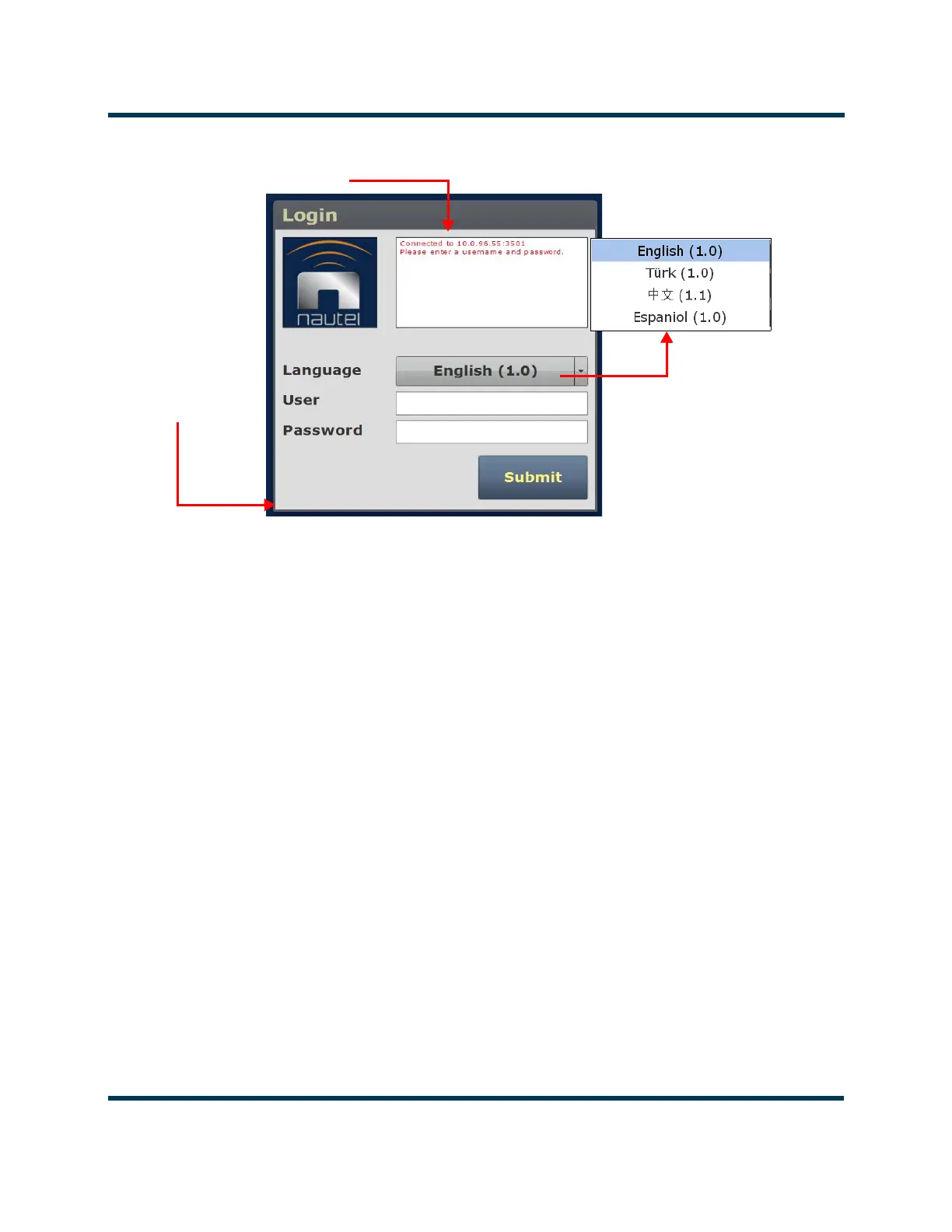
Figure 2.3: Remote AUI Login Menu
Describing the AUI layout
The AUI begins with the Home page and all further navigation will start from this screen
(see Figure 2.4 on page 2-11).
Any user can view the AUI pages on the front panel of the transmitter, regardless of the login
status; however, only users with the appropriate permission level can access functions that alter
the transmitter control settings.
Users can access the login menu by pressing the Change User button located in the bottom
banner of the AUI when logged in locally. It should be noted that this same button is shown
as
Log Out if viewing the AUI remotely (see Figure 2.4 on page 2-11).
IP address and login messages
AUI software version



 To Next Page