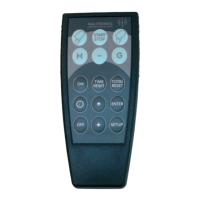
NG12
DIP-Settings and Functions
Revision: 2
A
pr
il 13
, 201
5 Page 1
1. NG12 DIP-Setting information.
This document describes how to read, set and edit the functions of the NG12 generation Scoreboards
via the DIP-Switches DIP1, DIP2 and DIP3.
2. How to read the DIP-Switch.
The black square indicates the position of the switch.
UP is ON and DOWN is OFF.
Example 1.
On this picture all 8 switches are set to OFF.
Example 2.
On this picture, switch 1 is set to ON and 2-8 is set to OFF.
3. DIP-Switch location.
The DIP-Switches DIP1, 2 and 3 are located in the upper left corner in the NGI-85, and sets the
functions of the Scoreboard.
DIP3 DIP2 DIP1
1
5


 To Next Page
 Loading...