NGMCB in Outdoor
scoreboards
Pull out the NGMCB by holding the three RJ45
connectors.
Push in the new NGMCB. Make sure the connectors are
completely mated.
Reassemble the insert and scoreboard.
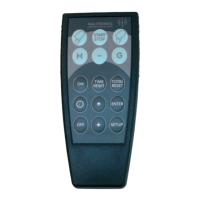
If the scoreboard is controlled by a Naucon-1000 the board zone setup has to be transmitted to the
scoreboard.
Make sure the scoreboard is turned on and within range of the Naucon-1000.
1. Turn on the Naucon-1000.
2. Exit to the Select sport menu.
3. Enter the General Setup.
4. Enter the Service menu.
5. When prompted for a password, enter 1166.
6. Select page 3.
7. Enter Board zones setup.
8. Press Accept to transmit the board zones to the scoreboard.
12


 To Next Page
 Loading...