8 About the Boiler
2.3.2 Buttons and Command Dial
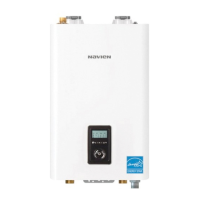
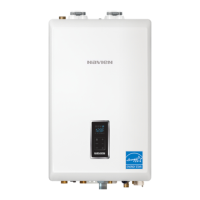
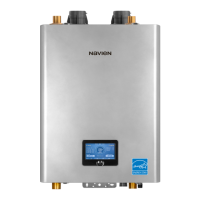
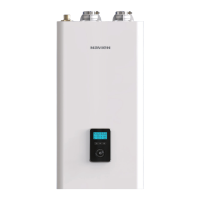
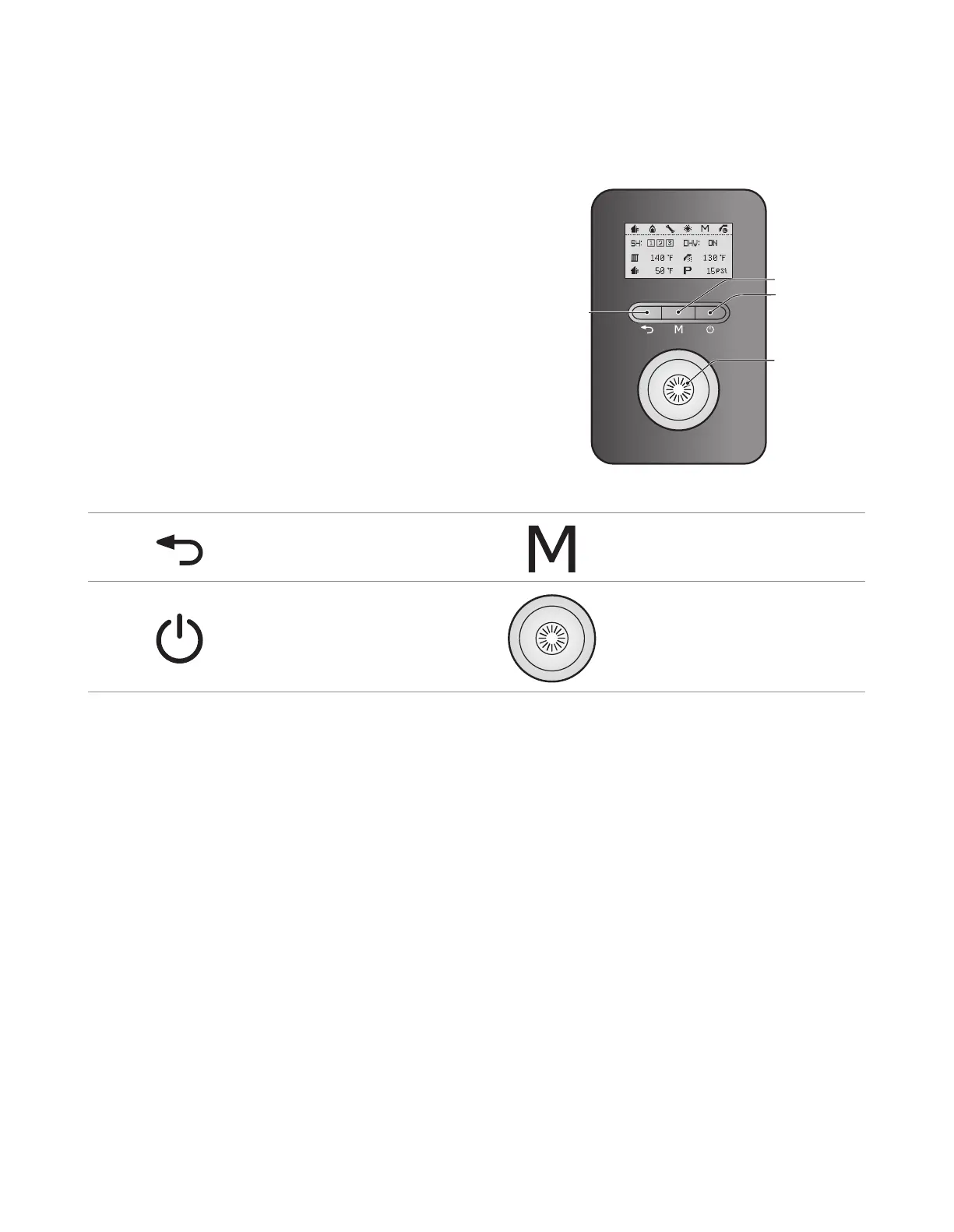
Using the buttons and the Command dial on the front panel, you
can turn on or off the boiler, monitor the current operation status,
and set the values required for the boiler’s operation, such as space
heating and DHW supply temperatures. Refer to the following
table for detailed information.
a
Back button
Return to the previous menu or screen,
b
Mode button
Enter the boiler’s main menu.
c
Power button
Turn on or off the boiler.
d
Command dial
Rotate to switch between menu items, or
to increase/decrease values.
Press to make a selection or to confirm
changes.
d

 To Next Page
 Loading...