Need help?
Do you have a question about the Navitel MR250 and is the answer not in the manual?
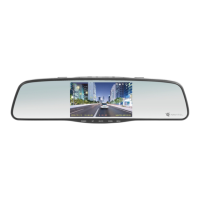
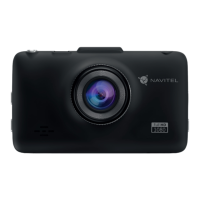
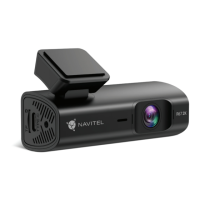
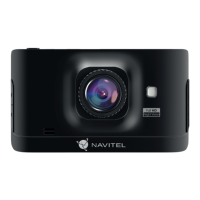
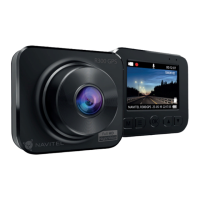
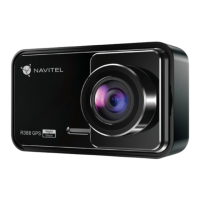
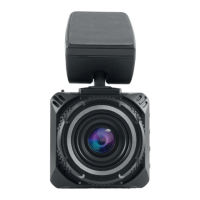
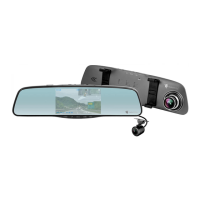
Provides an overview of the physical components and buttons of the NAVITEL MR250 DVR.
Explains how to start and stop video recording and automatic saving.
Details how to enter capture mode and take a photo, which is saved automatically.
Describes how to enter Playback mode, select, play, stop, and switch between recorded files.
Explains how to protect the current recording from deletion or overwriting.
Guides on selecting picture size and exposure settings.
Option to record video with or without sound.
Describes the setting for saving recordings in separate files every few minutes.
Instructions for installing the SD card, DVR unit, charger, and adjusting the camera.
Steps to turn on the device and begin recording automatically when the engine starts.
Important safety and usage guidelines for the DVR, including charger use and environment.
Details two options for installing the rear camera for backup or driving views.
 General
| Brand | Navitel |
|---|---|
| Model | MR250 |
| Category | Dash Cameras |
| Language | English |

 To Next Page