Need help?
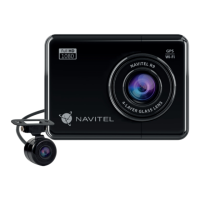
Do you have a question about the Navitel R9 and is the answer not in the manual?
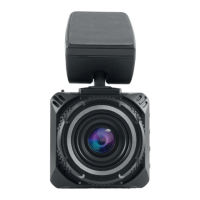
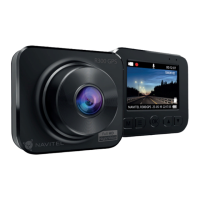
Overview of the dash cam's physical components and ports.
Guide on how to install the dash cam and connect power.
Important safety advice for using the device.
Formatting the microSD card and starting automatic recording.
Taking photos and playing video/photo files.
Securing files and managing storage with loop recording.
Option to record video with or without sound.
Date stamps, screen power saving, and impact detection.
Automatic recording on vibration and displaying location data.
Mobile app connectivity and PC data transfer.
Steps to download and connect the mobile application.
Displaying current speed and time calculated via GPS.
 General
| Viewing Angle | 170° |
|---|---|
| GPS | Yes |
| G-sensor | Yes |
| Parking Mode | Yes |
| Memory Card Support | microSD up to 64GB |
| Video Format | MOV |
| Image Format | JPG |
| Loop Recording | Yes |
| Night Vision | Yes |
| Video Resolution | 1920x1080 |

 To Next Page