Need help?
Do you have a question about the Navitel R2 and is the answer not in the manual?
Identifies and explains the physical components and buttons of the dash cam using numbered diagrams.
Provides step-by-step instructions for physically installing the dash cam in a vehicle.
Outlines essential safety and handling guidelines, including operating temperature and cleaning.
Covers microSD card formatting, starting/stopping recording, and taking photos.
Explains how to review recorded footage and the continuous loop recording feature.
Details interval recording, motion detection, and audio recording options.
Explains how to protect files and add date/time stamps to recordings.
Describes the G-sensor and parking monitor for detecting impacts and vibrations.
Details battery charging indicators, LCD screen timeout, and USB connection modes.
 General
| Brand | Navitel |
|---|---|
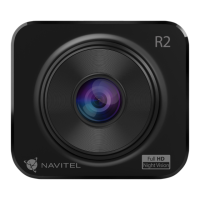
| Model | R2 |
| Category | Dash Cameras |
| Language | English |

 To Next Page