Need help?
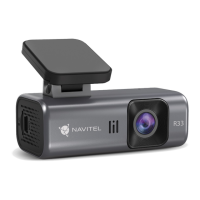
Do you have a question about the Navitel R33 and is the answer not in the manual?
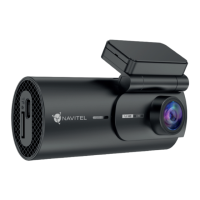
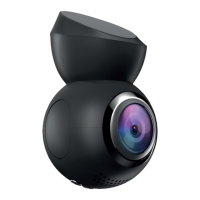
Overview of the DVR's physical components and their functions.
List of items included in the product box.
Step-by-step guide to physically install the device.
Important warnings and safety guidelines for using the device.
Explanation of the device's buttons and their operations.
Instructions for formatting the microSD card for optimal device performance.
How to start and manage video recording.
Option to record video with or without audio.
How the G-sensor detects impacts and protects recordings.
Details on parking mode features like impact control and time-lapse.
Steps to download and install the companion mobile application.
Guide on how to connect the mobile device to the DVR via Wi-Fi.
Features available through the Navitel DVR Center app.
 General
| Built-in display | No |
|---|---|
| Bluetooth | - |
| Wi-Fi standards | 802.11b, 802.11g, Wi-Fi 4 (802.11n) |
| Output current | 1.5 A |
| Output voltage | 5 V |
| Power source type | Battery, Cigar lighter |
| Compatible memory cards | MicroSD (TransFlash) |
| Maximum memory card size | 128 GB |
| Quantity per pack | 1 pc(s) |
| Product color | Black |
| Number of cameras | 1 |
| Main camera resolution | 1920 x 1080 pixels |
| Main camera viewing angle | 124 ° |
| Video compression formats | TS |

 To Next Page