Need help?
Do you have a question about the Navitel R35 and is the answer not in the manual?
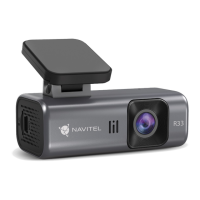
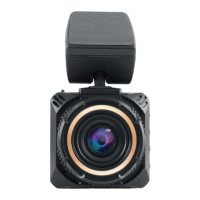
Visual identification of the device's main components and ports.
Details all items included within the product packaging.
Instructions on how to format the SD card via the mobile application.
DVR starts recording upon power connection and stops upon disconnection.
Records video in segments, overwriting older files when storage is full.
Allows users to record video with or without audio.
Automatically locks the current video file when an impact is detected.
Supports impact detection and time-lapse recording for parked vehicles.
 General
| HD-Ready | Yes |
|---|---|
| Product color | Black |
| GPS (satellite) | - |
| Number of cameras | 1 |
| Main camera resolution | 1920 x 1080 pixels |
| Main camera viewing angle | 135 ° |
| Video compression formats | MOV |
| Display diagonal | 1.47 \ |
| Compatible memory cards | MicroSD (TransFlash) |
| Maximum memory card size | 128 GB |
| Image formats supported | JPEG |
| Output current | 2.5 A |
| Operating voltage | 5 V |
| Power source type | USB |
| Package type | Box |

 To Next Page